iTerm causes Sublime to run a command that shouldn't fire normally #45

Description

Sometimes (!) when I run a single test it takes some time to open iTerm and then it runs after a few seconds but Sublime also opens a dialog saying "Enter Abbreviation:" (I don't even know what command in Sublime this is).
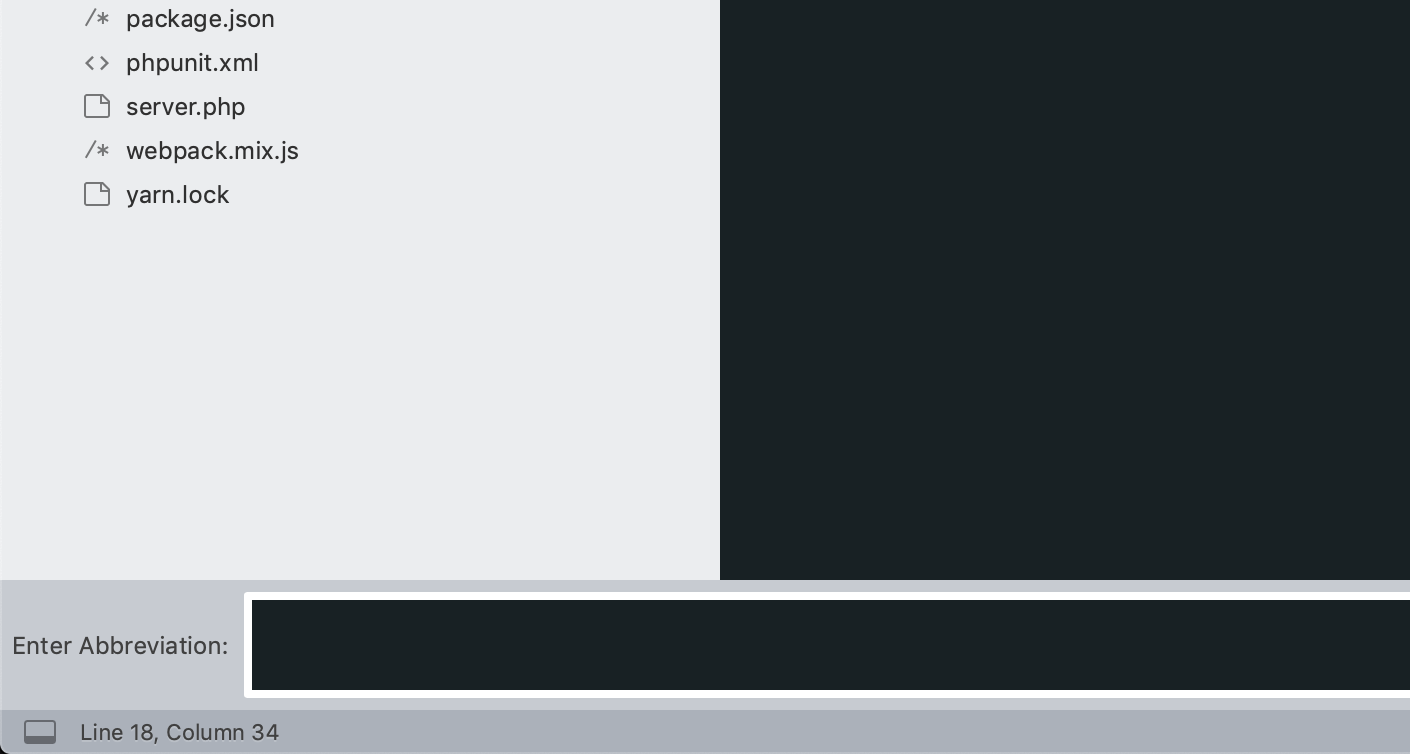
I cannot for the life of me figure out when specifically this happens, I can sometimes run test 100 times without it appearing but then it just does. I tried switching to Terminal for a while and it seems to work ok there.
It doesn't break it, it still works it's just annoying to have it not knowing why or how.
Anybody had this or has any clue what might be causing it?
Im using it on a new machine with Mojave, old one with High Sierra never had this issue. Also using symlinked User folder from Dropbox to sync settings between machines (I don't know if this might cause the issue or if it has any significance here).