Top navigation links don't change UI #84

Description

Desired behavior
When on any page on the guide site, clicking on any of the top navigation links should change the content on the page:

Actual behavior
Clicking the top navigation links:
- Changes the url
- Changes the highlighted link
- Does not change the content of the page
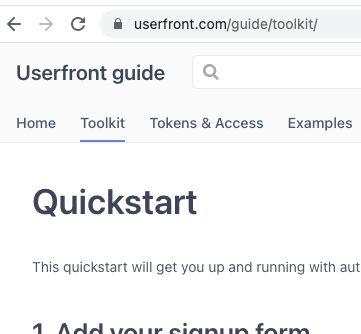
Screenshot below still shows the content of https://userfront.com/guide/quickstart.html after clicking "Toolkit"
Steps to reproduce
With expired access token go to https://userfront.com/guide and click any of the top navigation links.
The "With expired access token" part seems to be the reason for the bug. I tried in an Incognito window and the links worked as expected. Then went back to original window and deleted my access token cookie, refreshed, and the links worked as expected.
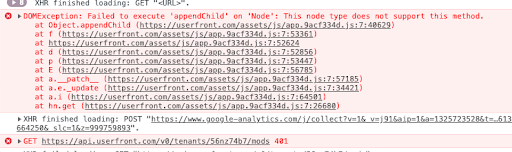
Note: I did not check the access token expiration before deleting it, am only guessing it was expired because it didn't show my tenant information in the top right and I received a 401 on refresh: