Skip to content

This is Not a actual bug tracker as by name this is a person work loading and he will be uploading his work after loggin in using google.
Notifications You must be signed in to change notification settings

Aryan2601/Bug_Tracker

Folders and files

NameName
Last commit message
Last commit date

Latest commit

ย 

History

23 Commits
ย 
ย 
ย 
ย 

Repository files navigation

Bug Tracker ๐Ÿ˜• ๐Ÿ˜•

What is Bug Tracker โ“ โ“

โžก๏ธ This is Not a actual bug tracker as by name this is a person work loading and he will be uploading his work after loggin in using google.
Steps to run Server ๐Ÿ‘ ๐Ÿ‘ ๐Ÿ‘

๐Ÿ“ŒFirst open terminal then go to django_project folder.

๐Ÿ“ŒThen run command python3 manage.py runserver.

๐Ÿ“ŒThen copy the url link and run it in your browser.

๐Ÿ“ŒNow You are at main site.

โฌ‡๏ธ โฌ‡๏ธ โฌ‡๏ธ โฌ‡๏ธ โฌ‡๏ธ

Features ๐Ÿ˜„ ๐Ÿ˜„

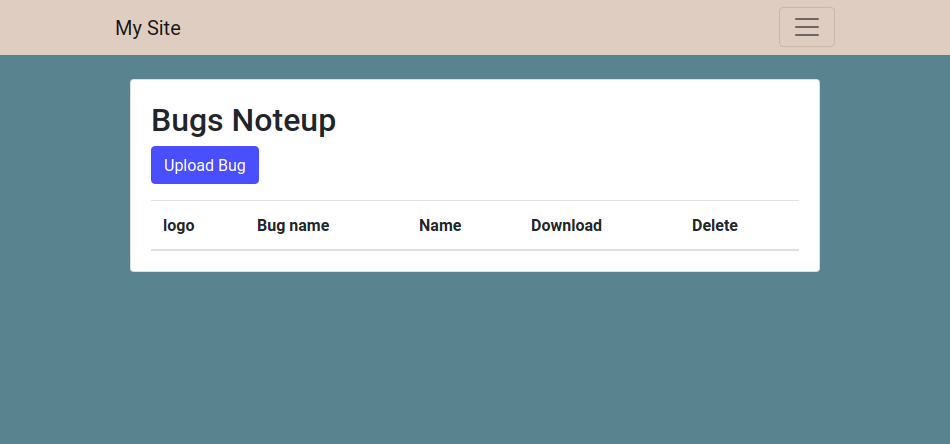
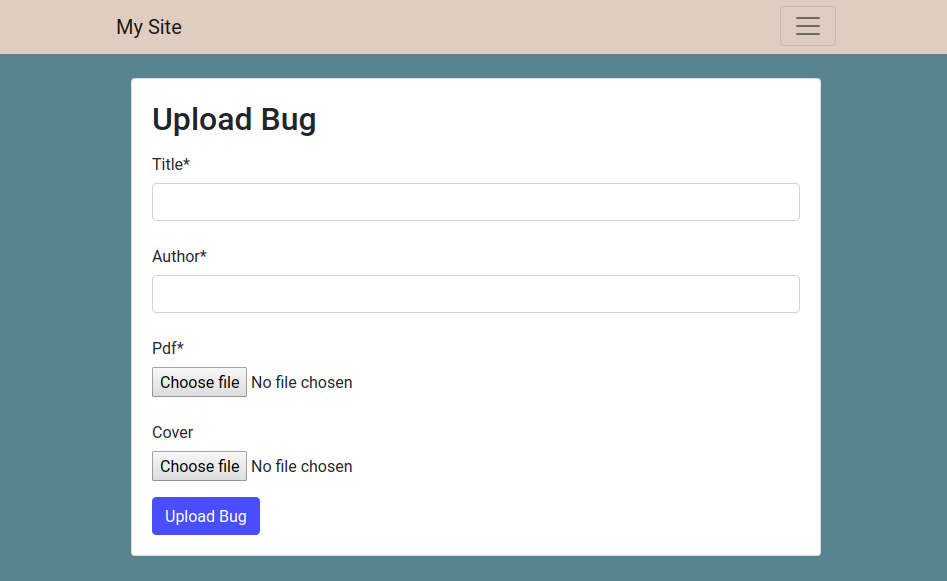
๐Ÿ“Œ You can Upload and make a Folder With Giving name of the your folder

Screenshot from 2020-03-04 23-38-33

๐Ÿ“Œ You can also set the profile pic of your folder

Screenshot from 2020-03-04 23-38-48

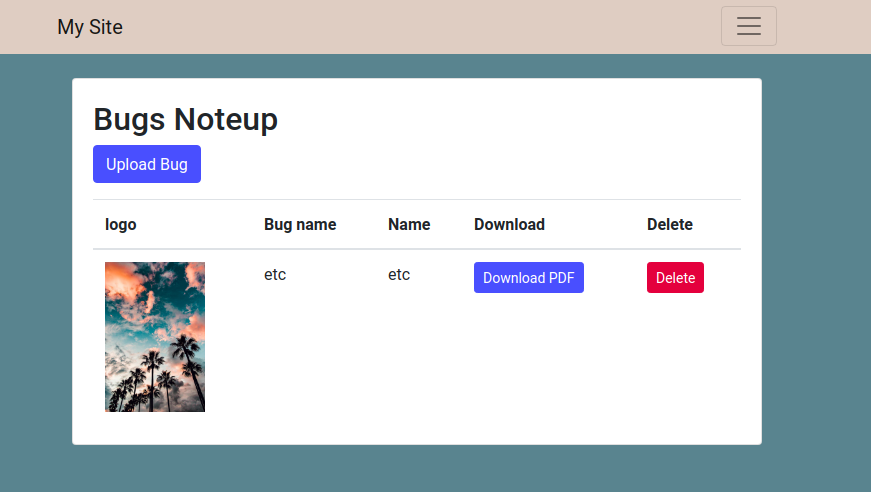
๐Ÿ“Œ You can click on Download button and look at your file details

Screenshot from 2020-03-04 23-39-20

๐Ÿ“Œ You can Upload Your File in any format

Screenshot from 2020-03-04 23-38-48

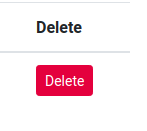
๐Ÿ“Œ You can also delete the folder created

Screenshot from 2020-03-04 23-40-16

TO add a Oauth service provider do the following

๐Ÿ“ŒDjango framework offers various sign in options like google , facebook,github and other 30 applications.

๐Ÿ“ŒFor This project i used login through google

๐Ÿ“Œadd some things in settings.py in INSTALLED_APPS Section :

๐Ÿ“Œ 'allauth',

๐Ÿ“Œ 'allauth.account',

๐Ÿ“Œ 'allauth.socialaccount',

๐Ÿ“Œ 'allauth.socialaccount.providers.google',

๐Ÿ“Œ 'login',

๐Ÿ“ŒSITE_ID=1

๐Ÿ“ŒLOGIN_REDIRECT_URL='http://127.0.0.1:8000/upload/'

๐Ÿ“Œ After adding all these you can use command python3 manage.py runserver.

๐Ÿ“Œ Now add that provider as google and all the details required name the url as localhost:8000

๐Ÿ“Œ Now get client id and secret id from https://console.developers.google.com/ .Here i will not be mentioning my client id and

๐Ÿ“Œsecret id as it might be used in some undesirable manner if needed ask me for it personally.

๐Ÿ“Œ Add client id and secret id .

๐Ÿ“Œ Now LOGIN_REDIRECT_URL='http://127.0.0.1:8000/upload/' is for redirecting you to the page which should appear just after you google sign. The above is what is my redirect page.

๐Ÿ“Œ This is it we are now able to sign in through google into our site.

How to create an app:-

Python manage.py startapp (appname)

Two http methods are as under:-

๐Ÿ“Œpost and get

๐Ÿ“ŒGet is for fetching the data from server

๐Ÿ“ŒPost is for adding new data to server

To create superuser:-

๐Ÿ“ŒPython manage.py createsuperuser

To start a project:-

๐Ÿ“ŒDjango-admin startproject mysite

About

This is Not a actual bug tracker as by name this is a person work loading and he will be uploading his work after loggin in using google.
Topics

Resources

Stars

Watchers

Forks

Releases

No releases published

Packages

No packages published

Contributors 2

  •  
  •