Journey through spacetime. Witness history as it unfolds.







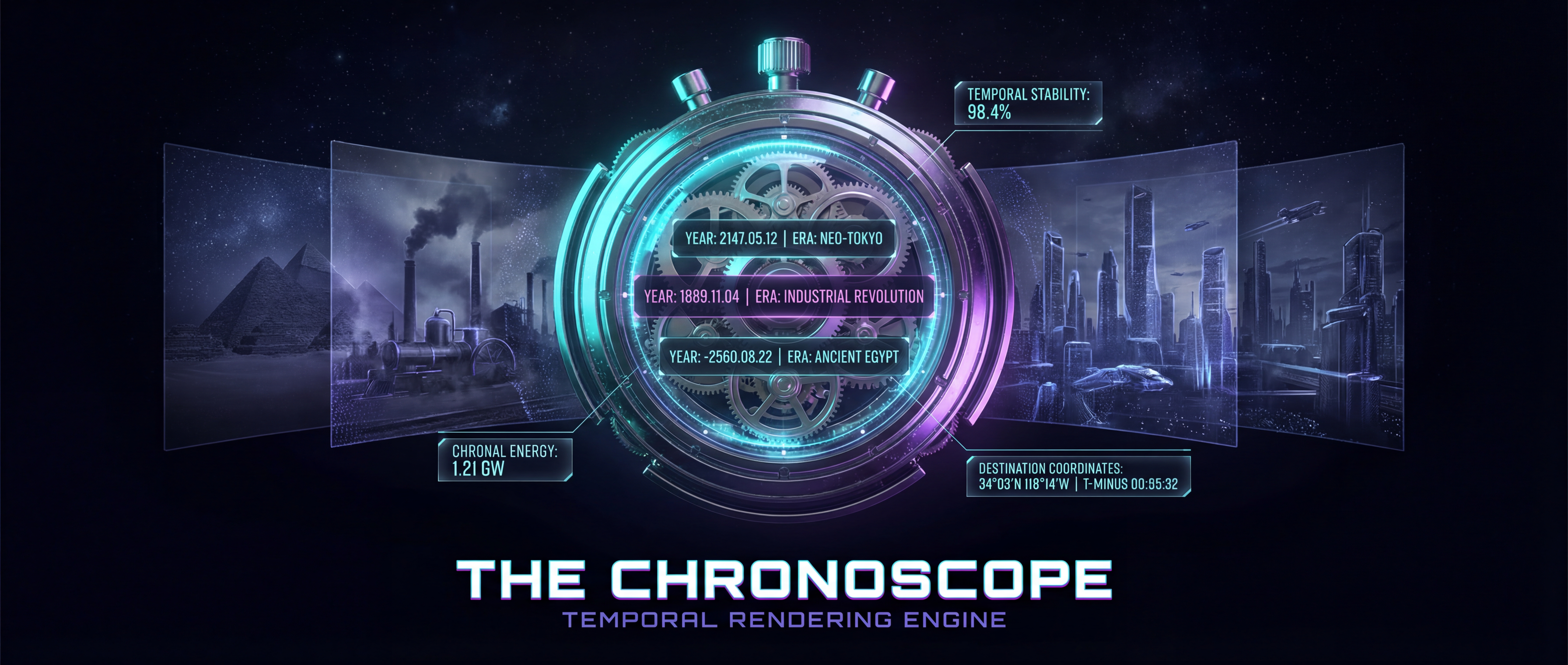
Features • Demo • Installation • Usage • API • Contributing
- 4D Navigation System - Navigate through spacetime using precise spatial (latitude/longitude) and temporal (year/month/day/hour) coordinates
- Historical Scene Rendering - Algorithmically generates rich historical context including environmental conditions, anthropological data, and safety metrics
- Curated Waypoints - 8 pivotal moments in history from the Great Pyramid (2560 BC) to the Fall of the Berlin Wall (1989)
- AI Image Generation - Photorealistic historical scene generation powered by Google Gemini 3 Pro Image
- Responsive Design - Seamless experience across desktop, tablet, and mobile devices
- Real-time Data Visualization - Detailed metrics including weather, population density, technology era, and hazard levels
- Modern React Architecture - Context + Reducer pattern for centralized state management
- Type-Safe TypeScript - Comprehensive type system covering all domain concepts
- Era Classification - 11 historical periods from Stone Age to Space Age
- Historical Accuracy - Era-specific prompt engineering for authentic AI-generated imagery
- Zero Dependencies Required - Works without API key for scene rendering; optional Gemini integration for images
Visit the live application: chronoscope-amber.vercel.app
| Location | Date | Significance |
|---|---|---|
| 🚀 Sea of Tranquility | July 20, 1969 | First human landing on the Moon |
| December 17, 1903 | Wright Brothers' first powered flight | |
| 🧱 Berlin | November 9, 1989 | Fall of the Berlin Wall |
| 🎵 Woodstock | August 16, 1969 | Iconic music festival |
| 📜 Philadelphia | July 4, 1776 | Declaration of Independence signed |
| 🔺 Giza | 2560 BC | Great Pyramid nearing completion |
| ✊ Washington D.C. | August 28, 1963 | MLK's "I Have a Dream" speech |
| 🧭 Spain | September 6, 1522 | First circumnavigation of Earth completed |
- Node.js 18+ and npm/yarn
- Git for version control
- (Optional) Google Gemini API Key for image generation
# Clone the repository
git clone https://github.com/BioInfo/chronoscope.git
cd chronoscope

# Install dependencies
npm install

# Start development server (opens at http://localhost:3000)
npm run dev# Create production build
npm run build
# Preview production build locally
npm run preview- Enter Coordinates: Use the Control Plane to input spatial (latitude/longitude) and temporal (year/month/day/hour) coordinates
- Render Scene: Click "Render Scene" to generate historical data for your chosen spacetime location
- View Data: Examine environmental conditions, anthropological context, and safety metrics in the Data Stream panel
Click any curated waypoint card to instantly jump to a significant historical moment with pre-computed scene data.
- Configure your Gemini API key in Settings (top-right corner)
- Render any scene
- Click "Generate Image" to create a photorealistic visualization
- View the AI-generated historical scene in the viewport
The Chronoscope works fully without an API key for scene rendering. Image generation requires a free Google Gemini API key:
- Visit Google AI Studio
- Generate a free API key
- Add to
.envfile (optional):VITE_GEMINI_API_KEY=your_api_key_here
- Or configure via Settings UI (stored in browser localStorage)
Note: API keys stored via Settings UI are saved locally and never transmitted except to Google's Gemini API.
chronoscope/
├── src/
│   ├── components/       # React UI components
│   │   ├── ControlPlane.tsx
│   │   ├── Viewport.tsx
│   │   ├── DataStream.tsx
│   │   ├── Waypoints.tsx
│   │   ├── Header.tsx
│   │   └── Settings.tsx
│   ├── context/          # State management
│   │   └── ChronoscopeContext.tsx
│   ├── data/             # Curated content
│   │   └── waypoints.ts
│   ├── services/         # External integrations
│   │   └── geminiService.ts
│   ├── types/            # TypeScript definitions
│   │   └── index.ts
│   ├── utils/            # Helper functions
│   │   ├── sceneGenerator.ts
│   │   └── validation.ts
│   ├── App.tsx
│   └── main.tsx
├── public/               # Static assets
├── package.json
├── vite.config.ts
├── tailwind.config.js
└── tsconfig.json
- React 19 - Latest React with concurrent features
- TypeScript 5.9 - Type-safe development
- Vite 7 - Lightning-fast build tool
- Tailwind CSS 4 - Utility-first styling
- Lucide React - Beautiful icon library
- Google Gemini 3 Pro Image - State-of-the-art AI image generation
Contributions are welcome! Here's how you can help:
- Fork the repository
- Create a feature branch:
git checkout -b feature/amazing-feature - Commit your changes:
git commit -m 'Add amazing feature' - Push to the branch:
git push origin feature/amazing-feature - Open a Pull Request
- 🗺️ Additional Waypoints - Expand the curated historical moments
- 🌍 Geocoding Integration - Real location name lookup from coordinates
- 📚 Historical Database - Connect to real historical events API
- 🎨 UI Enhancements - Improve visualizations and user experience
- 🧪 Testing - Add unit and integration tests
- 📖 Documentation - Improve guides and API documentation
- Follow existing TypeScript patterns and type definitions
- Use functional components with hooks
- Maintain responsive design for all screen sizes
- Write clear commit messages following conventional commits
- See CLAUDE.md for architecture details
This project is licensed under the MIT License - see the LICENSE file for details.
- Historical Data - Algorithmically generated; not backed by real historical databases
- AI Generation - Powered by Google Gemini 3 Pro Image
- Design Inspiration - Sci-fi interfaces and temporal navigation concepts
- Icons - Lucide Icons
- Live Demo: chronoscope-amber.vercel.app
- GitHub Repository: github.com/BioInfo/chronoscope
- Issue Tracker: github.com/BioInfo/chronoscope/issues
- Gemini API: aistudio.google.com/apikey
