A One-Stop driver repo for the popular serial chip used on cheap Chinese Arduino clones.
The CH340G chip is a very popular USB to Serial chip used in Arduino clones because of its low cost. The OEM of this chip is Jiangsu Qinheng Co., Ltd. in the Nanjing Software Valley of China according to SparkFun who builds products that incorporate it.

Unfortunately, their website, being entirely in Chinese, makes many people nervous. For this reason, there have been many people who have tried to be helpful by hosting a copy of the drivers on a more inviting site. However, that is a dangerous thing to be comfortable with. As a Maker Space that regularly teaches microprocessor hacking to beginners, Decatur Makers has decided to host yet another copy of these drivers. You may or may not trust us as a source, but we didn't feel safe sending our students elsewhere. We have done (and continue to do) everything in our power to verify and maintain the content of this repo.
The driver for this chip has been in the Linux Kernel for a long time. (Introduced in commit 6ce76104 that was released in Linux Kernel v2.6.24 Jan 24 2008) If your Kernel does not support this chip, you are probably very out of date and have severe vulnerabilities to worry about.
Even though Linux users should never need this, we're going to put the information here.
-
Download the zip of this repo and unzip it
-
Change into the directory that was created
cd CH340_drivers-Linux-Mac-Windows/drivers/linux/ -
Compile the kernel module
make -
Load the kernel module
make load -
If you need to unload the kernel module
make unload
- Source:
- SHA256 Checksums:
5ba92d25345872b3aa72321b8b3bff0067b318a7b630087abb4b762e18df9624ch34x.ca47d44ae25907741a6f4a9b4e5fefd4f522f91159fe418de125b6eee05200681CH341SER_LINUX.ZIP
Warning: Installation for macOS is [now] very simple. The internet is littered with links to unsigned drivers and out of date instructions telling you how to [recklessly] disable macOS security features that are in place to protect you from these kinds of things. Do not follow them! (If you have done this in the past, undo it.)
Recommended Install: via Homebrew
I really suggest you install using homebrew. If you do not have brew installed, you should install it. It is the most common way to install things on a Mac that don't come from Apple's App Store.
-
If you do not have homebrew, install it.
/usr/bin/ruby -e "$(curl -fsSL https://github.com/Homebrew/install/raw/master/install)" -
Install the driver. (You will be prompted for the password you use to log in to the Mac.)
brew tap DecaturMakers/CH340_drivers-Linux-Mac-Windows https://github.com/DecaturMakers/CH340_drivers-Linux-Mac-Windows
brew cask install wch-ch34x-usb-serial-driver
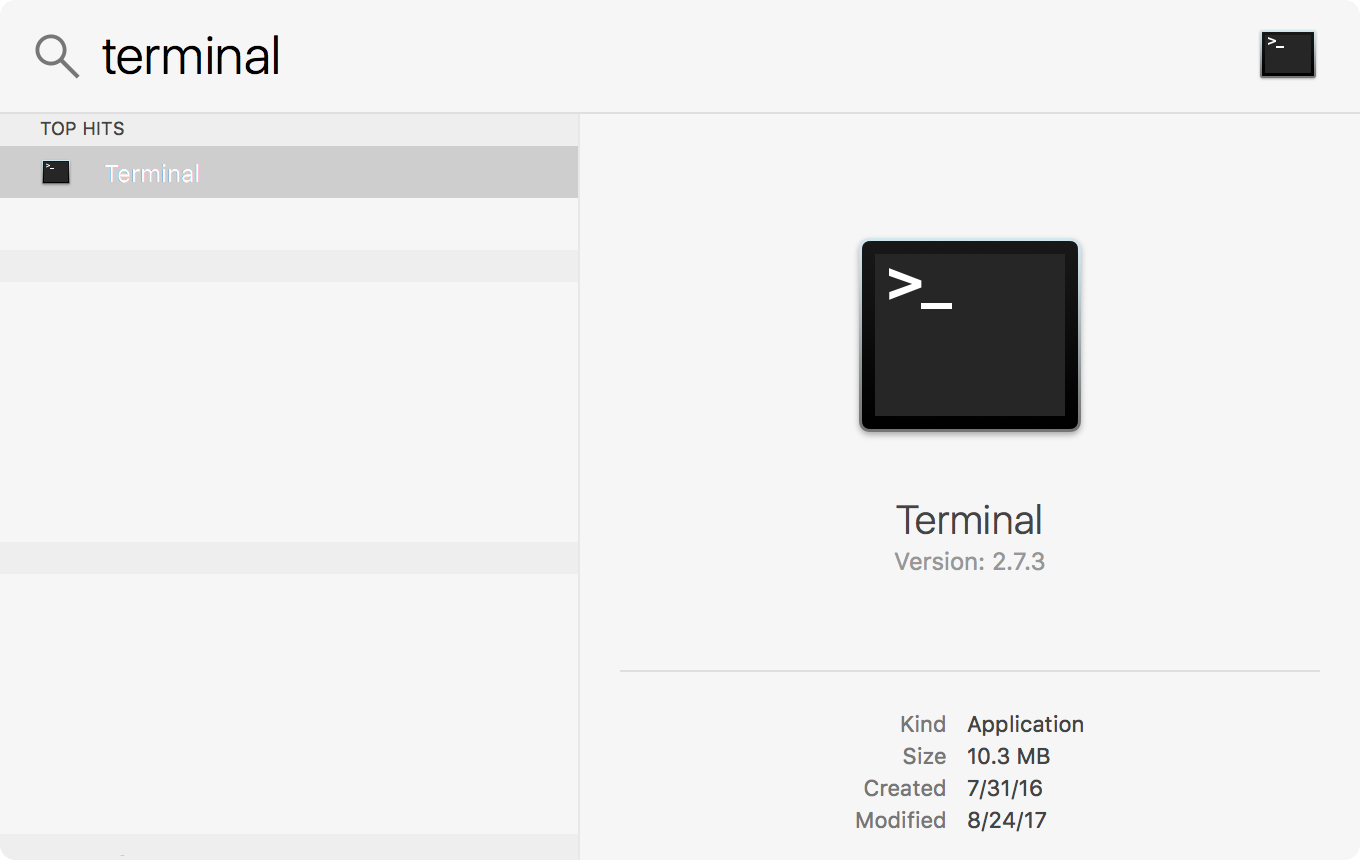
- Download the zip of this repo and unzip it
- In Finder, navigate to
CH340_drivers-Linux-Mac-Windows-master/drivers/macos - Open the file CH34x_Install_V1.4.pkg
- Follow the instructions in the installer
- Source:
- SHA256 Checksums:
032e85afc2dfeaba6e77637718749e3af381892305c2c02c12d1cd2bb3585bc3CH34x_Install_V1.4.pkgb190f612b833727b2006f362a835f7e97177b580e45cef253e164202106c48ebCH341SER_MAC.ZIP
- Download the zip of this repo and unzip it
- In Windows Explorer, navigate to
CH340_drivers-Linux-Mac-Windows-master/drivers/windows - Run either the 64bit or 32bit SETUP application
- Source:
- SHA256 Checksums:
543426ce41c8d5fa42aaa9885f8cd6c1132245a9552ee0e842b2993bae6ed224CH341SER.ZIP