npx create-solito-app@latest my-solito-app
This monorepo is a blank(ish) starter for an Expo + Next.js app.
While it's pretty barebones, it does a lot of the annoying config for you. The folder structure is opinionated, based on my long experience building for this stack.
solitofor cross-platform navigationmotifor animations- Expo SDK 53
- Next.js 15
- React Navigation 7
- React 19 (read more below)
- React Compiler
For more, see the compatibility docs.
-
appsentry points for each appexponext
-
packagesshared packages across appsappyou'll be importing most files fromapp/features(don't use ascreensfolder. organize by feature.)provider(all the providers that wrap the app, and some no-ops for Web.)navigationNext.js has apages/folder. React Native doesn't. This folder contains navigation-related code for RN. You may use it for any navigation code, such as custom links.
You can add other folders inside of packages/ if you know what you're doing and have a good reason to.
-
Install dependencies:
yarn -
Next.js local dev:
yarn web- Runs
yarn next
- Runs
-
Expo local dev:
- First, build a dev client onto your device or simulator
cd apps/expo- Then, either
expo run:ios, oreas build
- After building the dev client, from the root of the monorepo...
yarn native(This runsexpo start --dev-client)
- First, build a dev client onto your device or simulator
If you're installing a JavaScript-only dependency that will be used across platforms, install it in packages/app:
cd packages/app
yarn add date-fns
cd ../..
yarnIf you're installing a library with any native code, you must install it in apps/expo:
cd apps/expo
yarn add react-native-reanimated

cd ../..
yarn
You can also install the native library inside of packages/app if you want to get autoimport for that package inside of the app folder. However, you need to be careful and install the exact same version in both packages. If the versions mismatch at all, you'll potentially get terrible bugs. This is a classic monorepo issue. I use lerna-update-wizard to help with this (you don't need to use Lerna to use that lib).
Follow Fernando Rojo on Twitter: @FernandoTheRojo
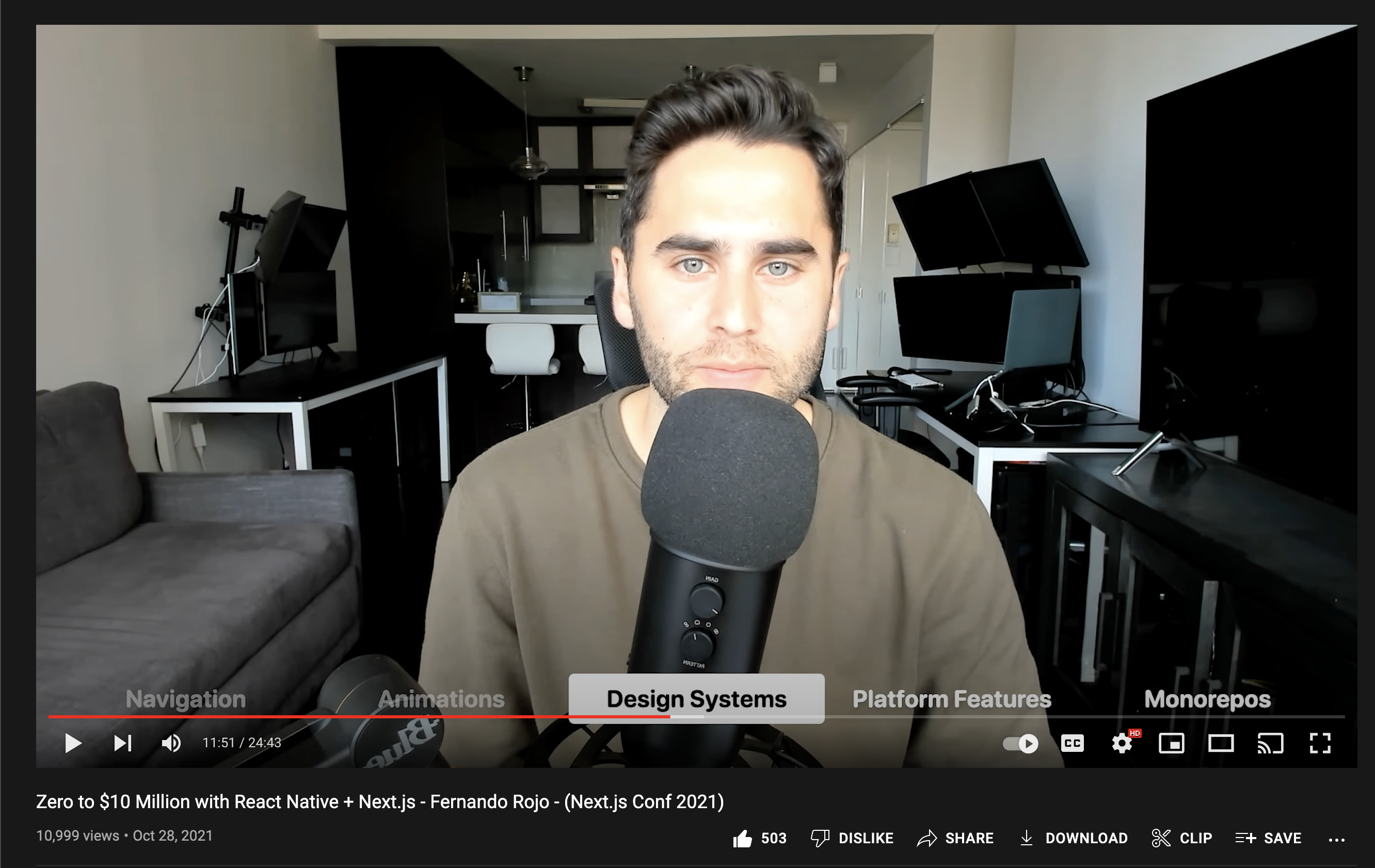
See my talk about this topic at Next.js Conf 2021: