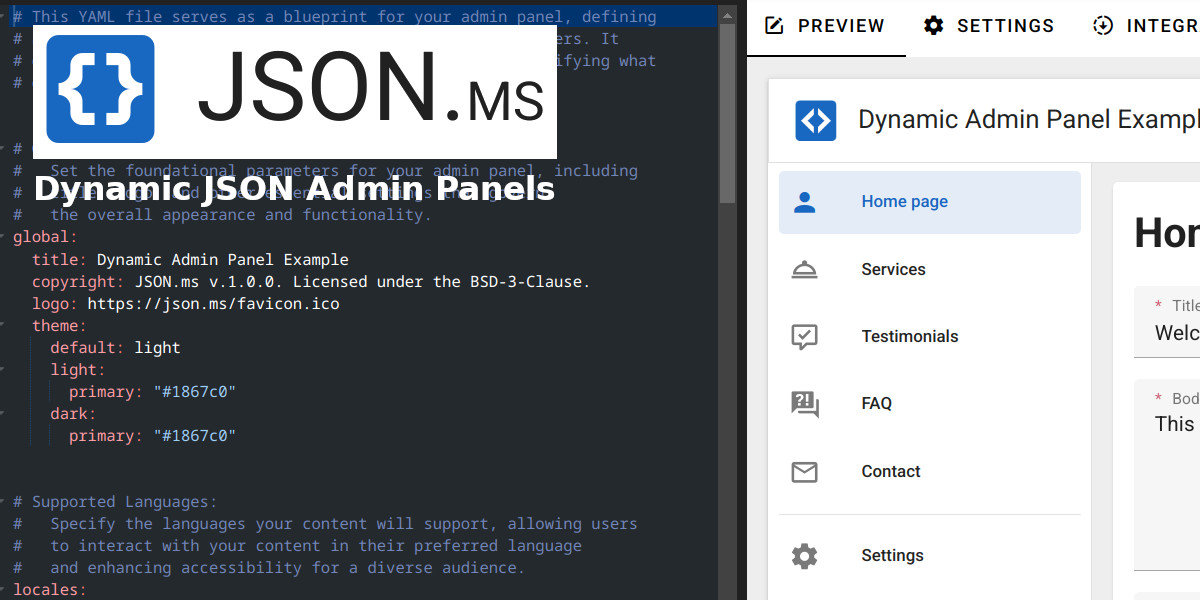
JSON.ms allows you to create an admin panel from a YAML interface that communicates with a remote server using JSON. Users enjoy a sleek interface while you dynamically manage fields through YAML, handling all RESTful requests seamlessly from your server.
You don't need to install JSON.ms on your server; you can simply use our online version, which connects to your remote server. However, if you're concerned about data security, you have the option to install your own instance.
- Define admin panel UI using YAML.
- Seamless communication with a remote server via JSON.
- Dynamic field management and typings.
- RESTful API integration.
- File management.
- Multilingual content.
- Data migration.
- Clone the repository:
git clone git@github.com:JSON-ms/www.git
cd jsonms- Create a .env file based on .env.example available in the repo:
cp .env.example .env- Install dependencies:
# Using Yarn
yarn

# OR using npm
npm install- Prepare the environment variables
# Main JSON.ms server instance
VITE_SERVER_URL=https://localhost:9001

# If running the demo project
VITE_DEMO_PREVIEW_URL=http://localhost:3001- Start the development server:
# Using Yarn
yarn dev

# OR using npm
npm run devEnsure that the backend server (jsonms-server) is up and running. See link for setup instructions.
Please check /docs folder.
Contributions are welcome! Please feel free to submit a pull request or open an issue.
This project is licensed under the BSD-3-Clause License. See the LICENSE file for details.