Rails engine that handles the SaaS foundation: authentication, team invitations, subscription/billing, and common partials. Skip the boilerplate and start shipping the actual product.
|
|
|

Sponsored By Rails Designer
kern (Dutch/German, noun) — core, nucleus, foundation. The essential element at the center of something; the foundational part upon which everything else is built.
bundle add kern
rails generate kern:install
rails db:migrateAdd Kern to your Gemfile:
bundle add kernRun the install generator:
rails generate kern:installRun migrations:
rails db:migrateSet your root route in config/routes.rb:
root "dashboard#show"Kern works out of the box after installation. All features are available immediately.
If you want to customize any available feature (e.g. sign up, log in, etc.), you can run: bin/rails generate kern:feature.
Append --help to see the generator's help.
Kern has all the foundational features for a SaaS built-in, so you can skip the boilerplate and ship your actual product.
Note
Not all features listed below are part of Kern just yet.
Built on Rails' authentication generator.
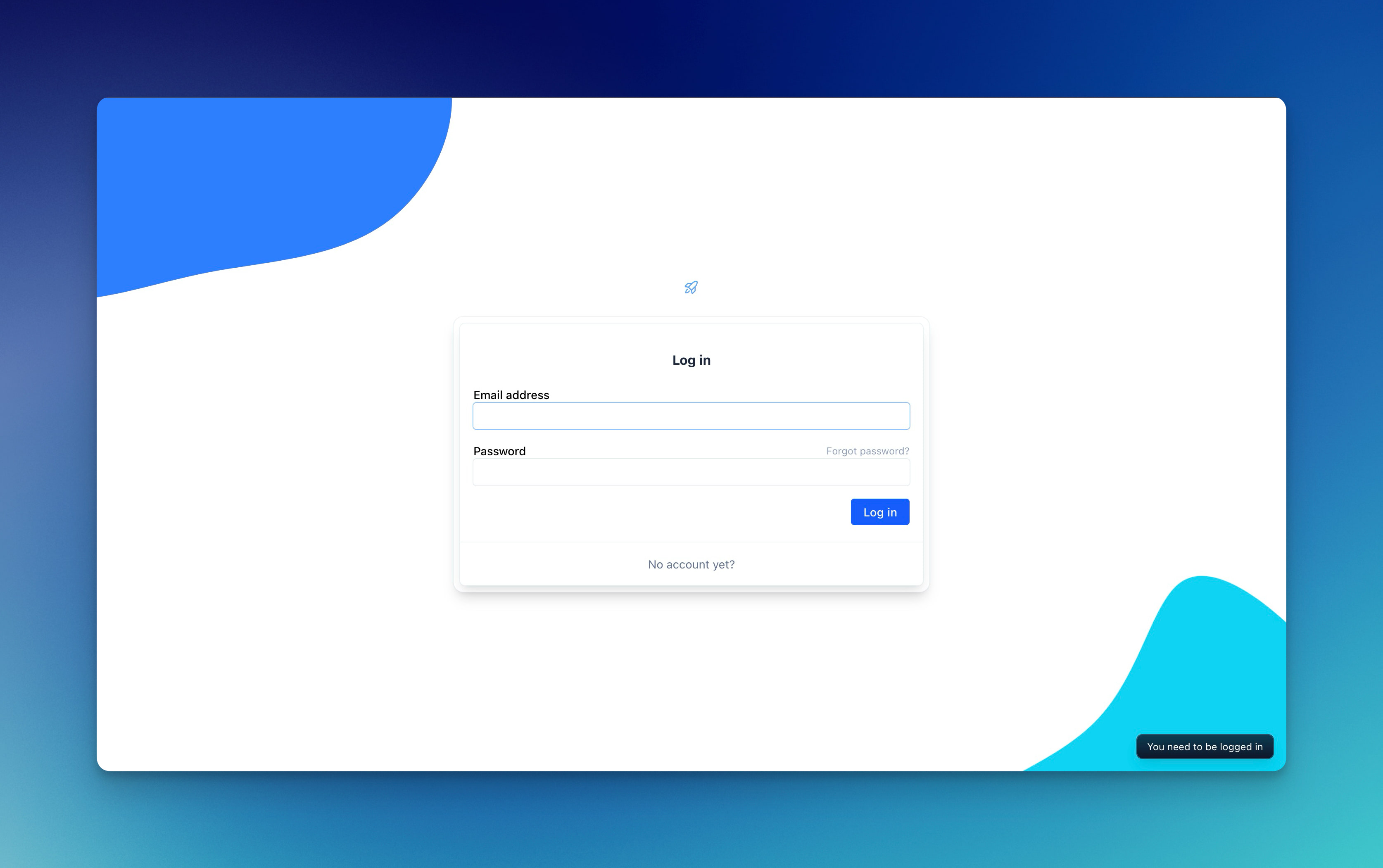
Create an account for your app using email address and password.
Update user's email and password.
By default a Workspace record is created upon sign up. Each User is associated to it using a Member join table. Each Member can have multiple Role's you can use to authorize if they should have access (Current.member.has_role? :owner).
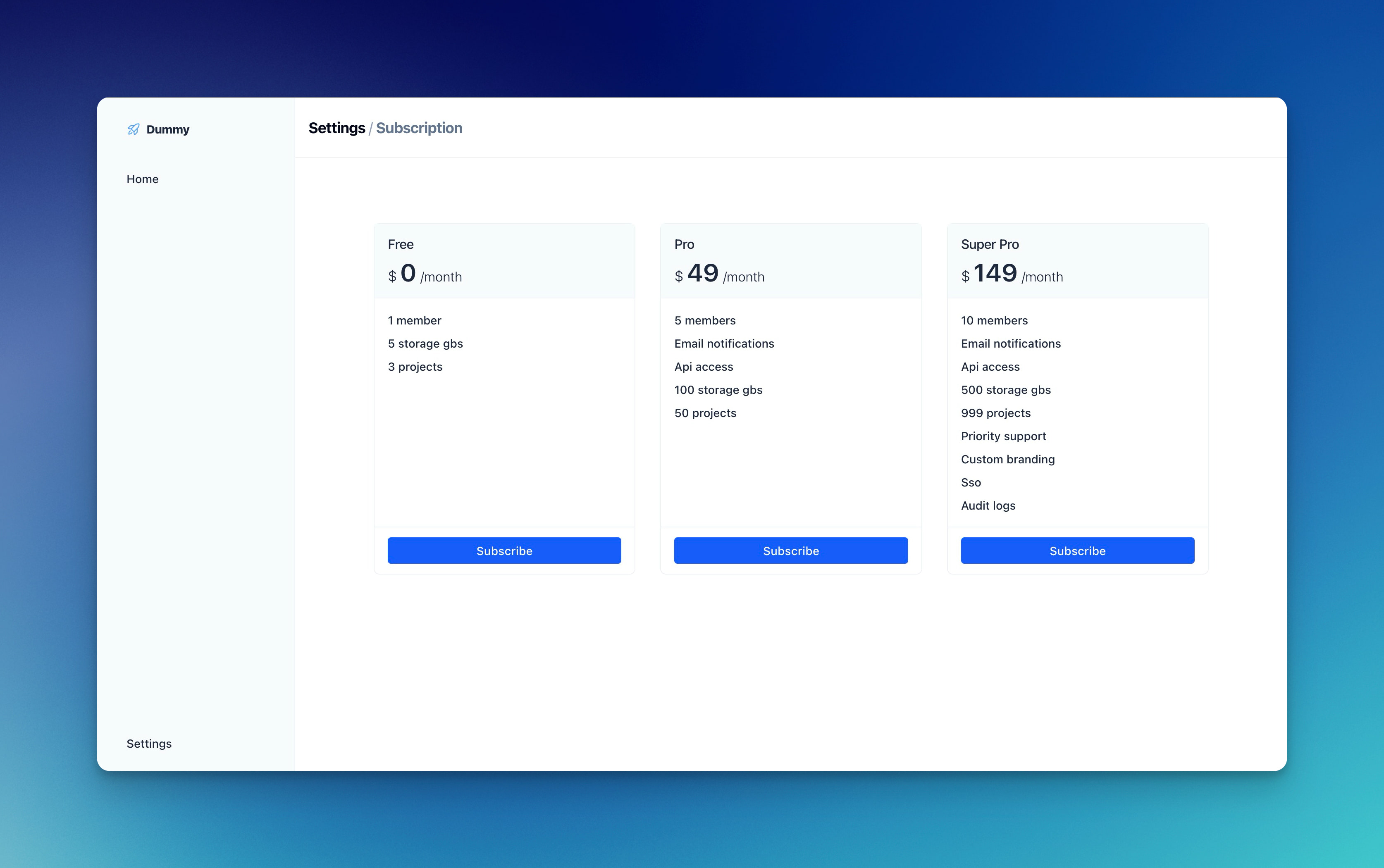
Following Rails Designer's Stripe Billing set up, offer subscriptions right away. Just update config/configurations/plans.yml and add your Stripe API key and Signing secret to your credentials.
Add more users to your Workspace, update roles or remove them again.
Pulled from Rails Designer's Components, the included Form Builder lets you quicly build beautiful forms. Including a magic input helper that works like this:
<%= form_with url: session_path do |form| %>
  <%= form.input :email_address, required: true %>

  <%= form.input :password, required: true %>
<% end %>Some basic components are included like:
- container; keep all your app's content in check
- heading; have consistent headings for each screen
- enhanced dialog element (works with Turbo Frames and, includes
centeredor adrawervariants) - flash messages (notifiy your users from the bottom-right)
These are built using vanilla Rails, as described in this article (component helper included).
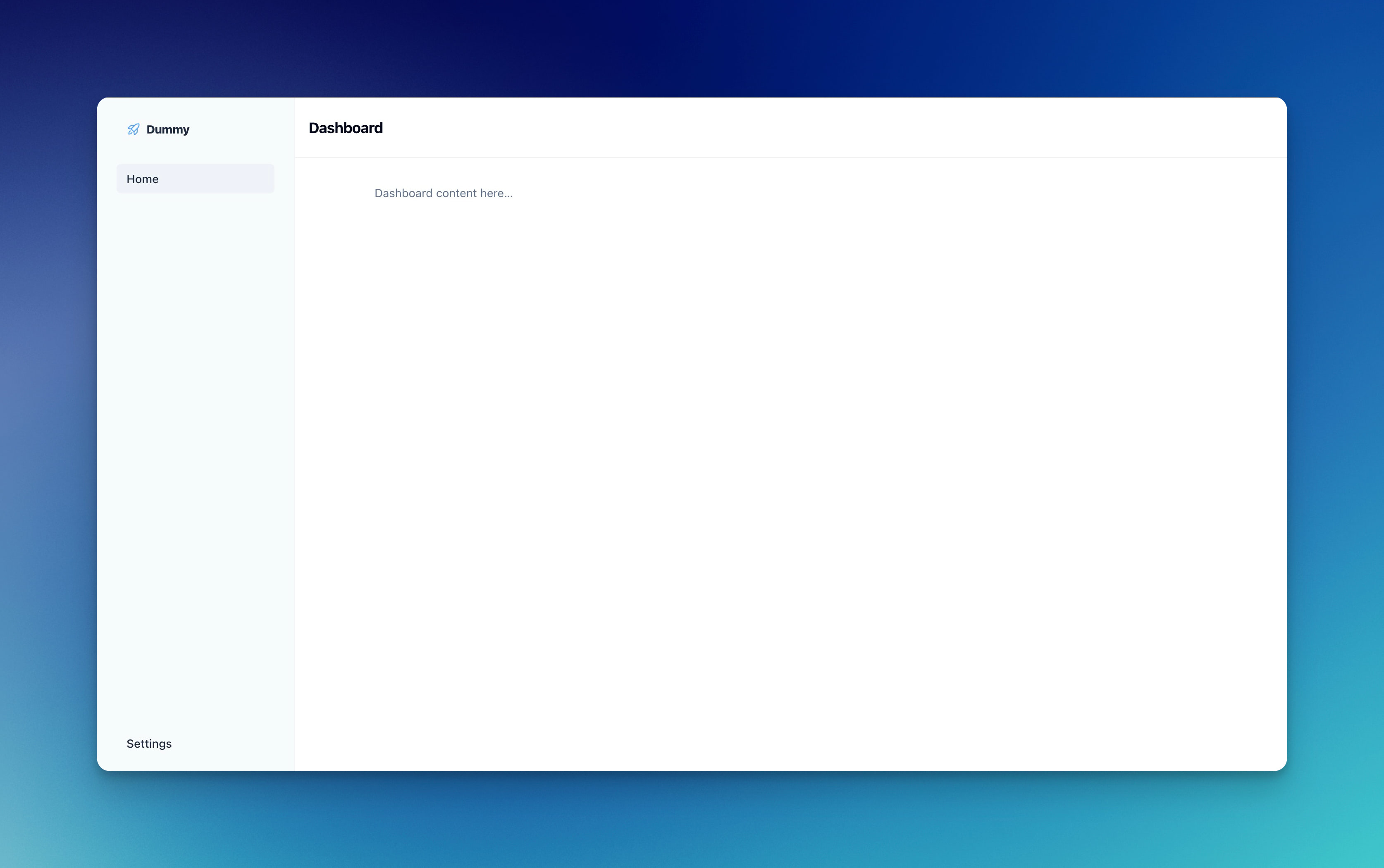
A clean, minimal (application) layout is included with a (collapsible sidebar to the left)
When using Turbo Stream responses, use turbo_stream.notify "Updated" to notifiy user on a successful request.
The application/dashboard layout and the Form Builder have optional support for Rails Icons. Run bin/rails generate rails_icons:install --libraries=phosphor to enable them.
If you do not want to expose the record's primary key, use the Sluggable concern. Include it in the model, make sure it has a (unique) slug column, and look up records using ModelName.sluggable.find(params[:id]).
Little syntactic sugar on top of Rails' config_for as explained in this article. Keep configuration together in, e.g. config/configuration/urls.yml and call each value like Config::Urls.docs.
This project uses Standard for formatting Ruby code. Minitest for testing. Please run rake before submitting pull requests.
Kern is released under the MIT License.