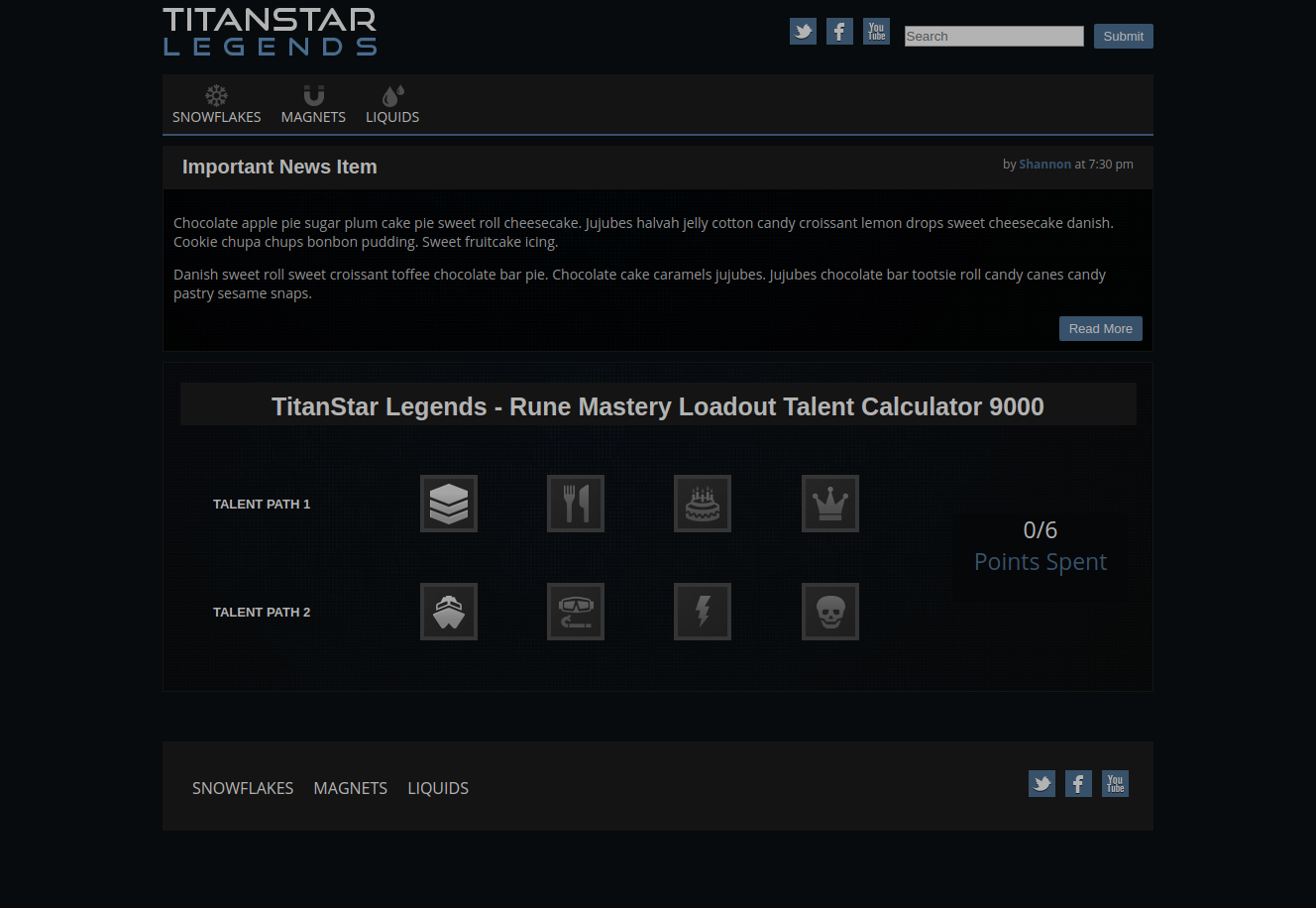
Install dependencies via npm ci, build the app via npm run build, and then open index.html in your browser.
I don't have photoshop, so I tried my best to grab colors and guess reasonable values for things based off of the annotated picture.
Some notes:
- I thought it would be a good idea to use React for this since I didn't have any React experience. Now I have a decent idea of how it compares to Angular. :)
- I wanted to get more experience with webpack, so I opted to set it all up myself instead of using create-react-app.
- I thought it would be fun to make this calculator accessible, so I tried to keep accessibility in mind when working on this challenge. In particular I spent some time making the calculator keboard accessible (try pressing ENTER or SPACE on talents!) and making sure the talent focus is visible. There's still definitely room for improvement and areas that aren't really accessible yet (like the main menu).
- Because of those 3 points, this kinda took longer than expected... but I had fun. :)
- I tested this in Chrome and Firefox, so hopefully you opened it in one of those :)