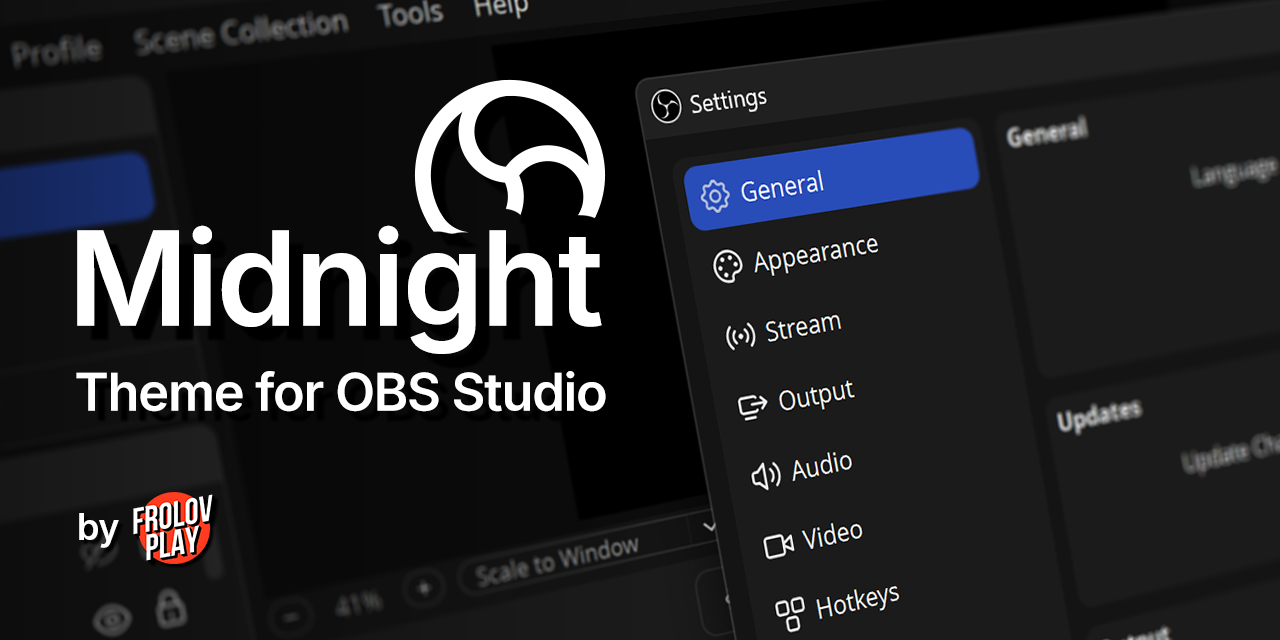
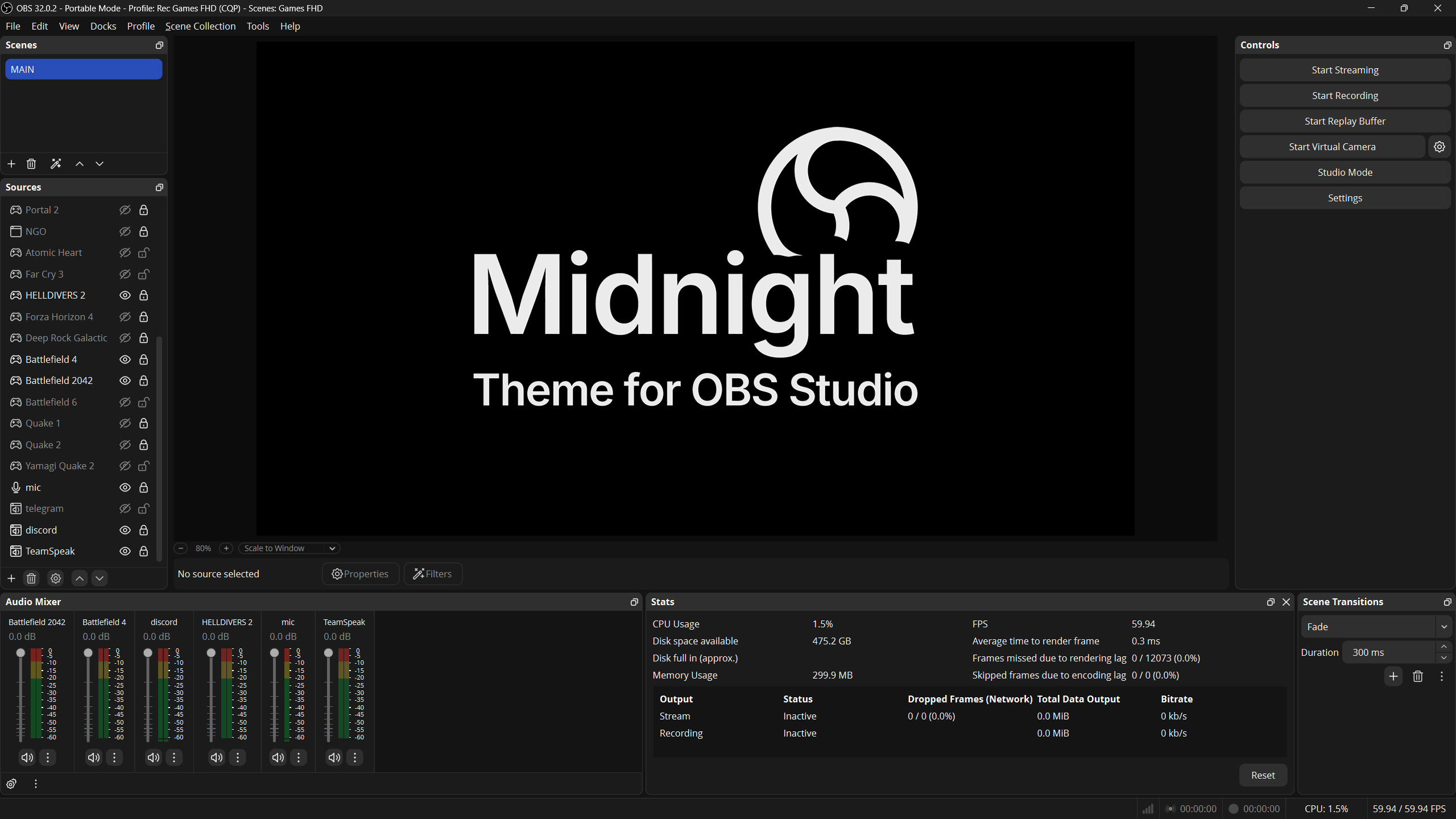
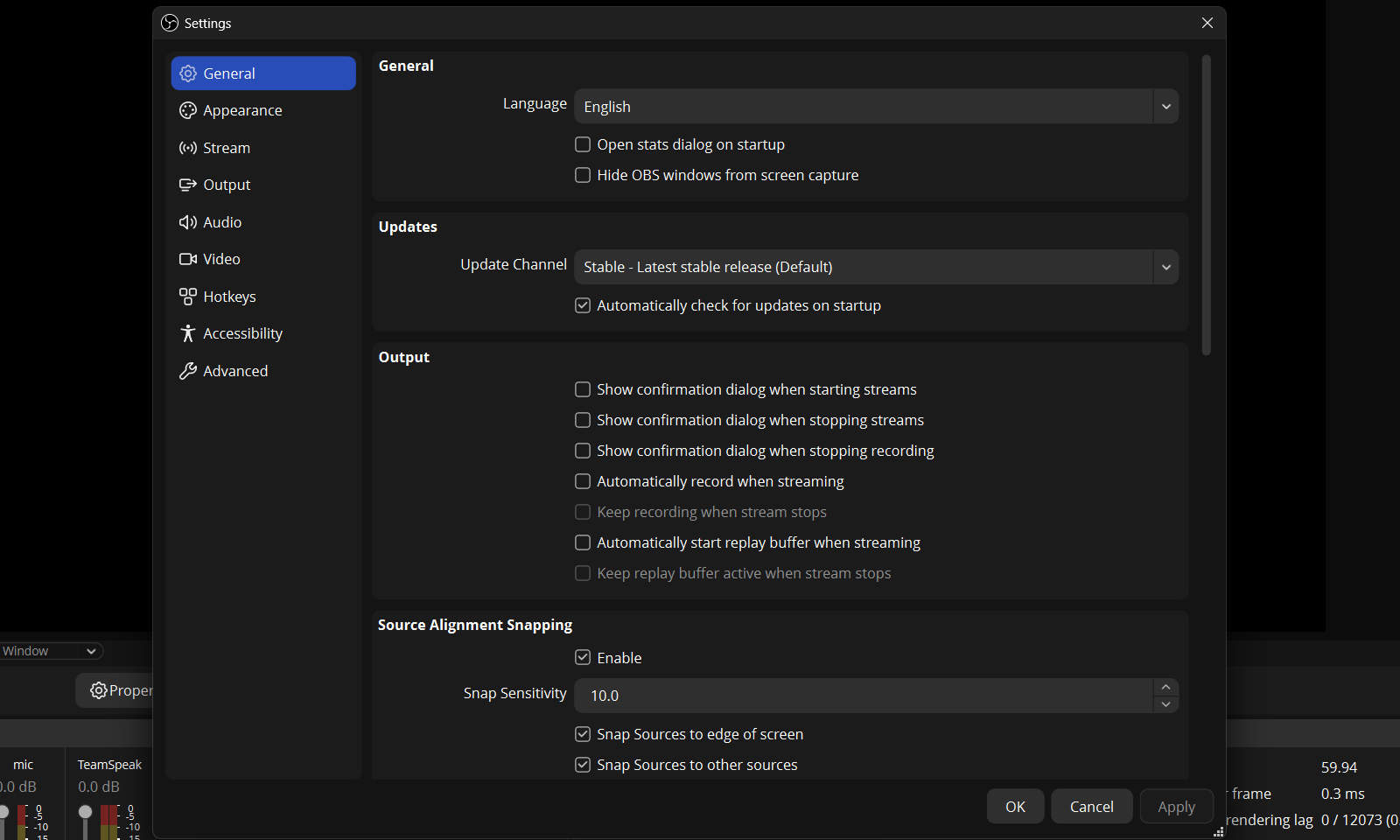
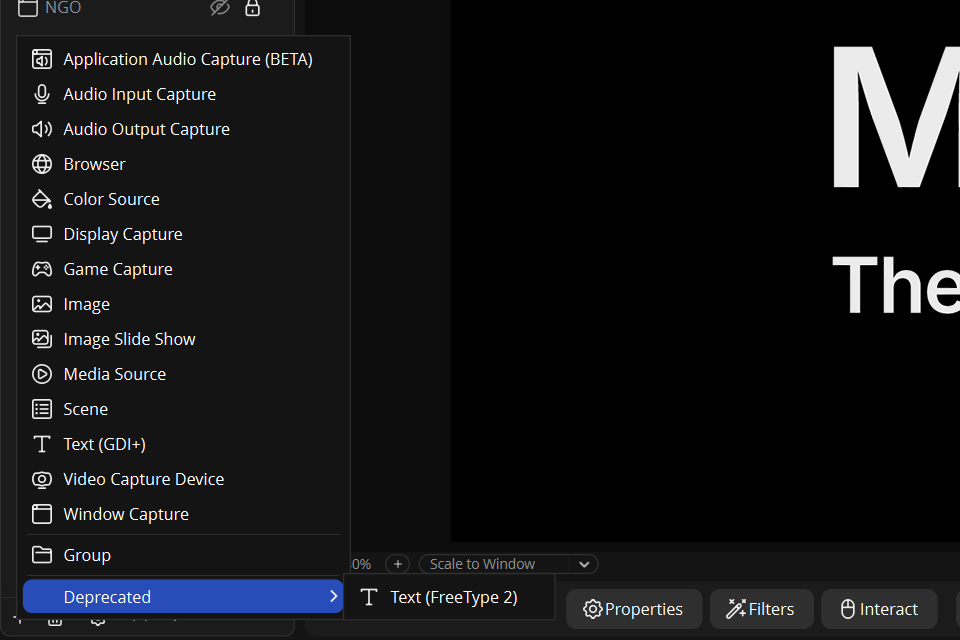
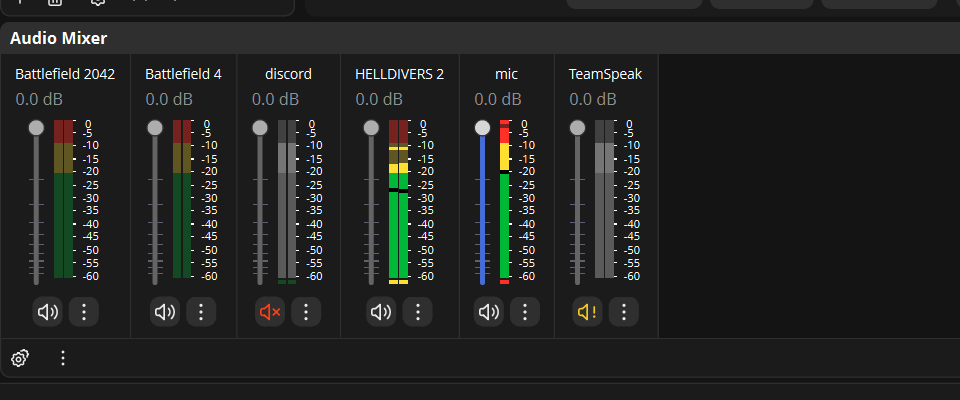
Midnight is a minimalistic dark theme with a focus on being clean and unified in how it looks. The theme features low contrast, and its rounded visual elements are complemented by new outlined icons, providing good visual orientation and reducing eye strain. Based on the original Yami Theme by @Warchamp7.
Important
Requires OBS Studio version 30.2+ for compatibility.
You can star the repository so you don't lose this theme and update it regularly.
- Unique handcrafted designed icons.
- Neutral dark gray design without color shades for better perception of scenes.
- Low-contrast scheme does not strain the eyes.
- Slightly increased spacing between some elements for ease of interaction and visibility.
- Rounded controls for aesthetics.
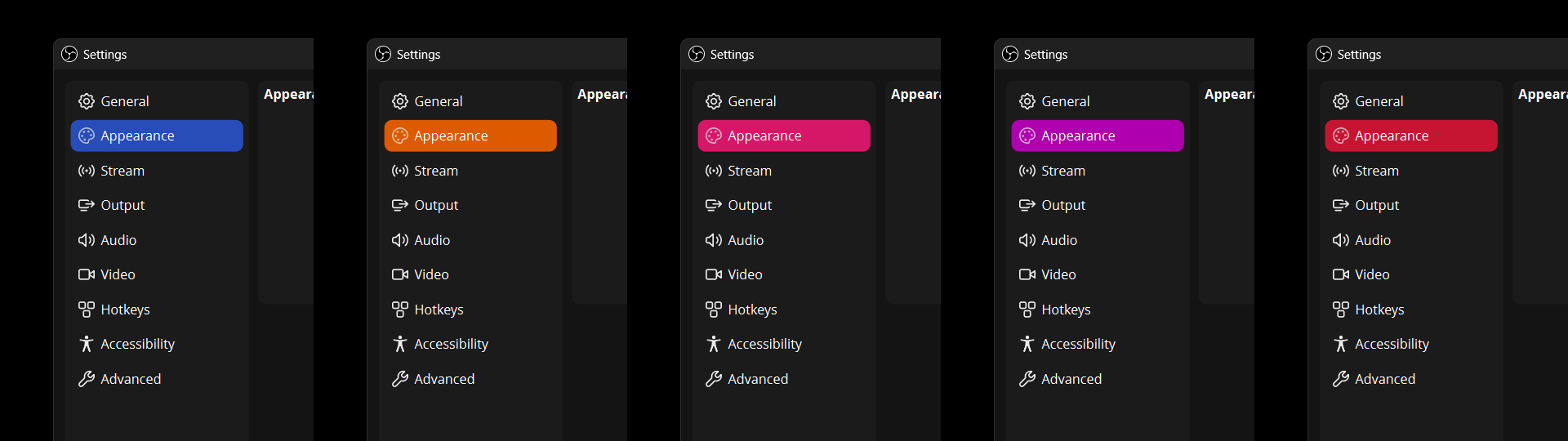
- Five accent color styles: blue, orange, pink, purple and red.
To begin installing Midnight theme, first download .zip archive with theme pack from Latest release.
Warning
For portable OBS Studio, only manual installation is available. For details, see the Manual Installation section.
- Extract the downloaded archive and run
Install_Windows.cmdfile. - Restart OBS Studio, then open OBS Studio settings and set the Midnight theme.
- Extract the downloaded archive and run
Install_UNIX.shfile. - Restart OBS Studio, then open OBS Studio settings and set the Midnight theme.
-
Extract the downloaded archive and go to the
Midnight-Themedirectory. -
In a separate window, open the OBS Studio theme directory for you operating system:
-
Windows:
%AppData%\obs-studio\themes\
(You can do this by usingWin+R) -
macOS:
~/Library/Application Support/obs-studio/themes/
(You can do this in Finder withCmd+Shift+G) -
Linux:
$HOME/.config/obs-studio/themes/ -
Portable OBS Studio:
_OBS_PORTABLE_DIRECTORY_\data\obs-studio\themes\
-
-
Copy
.obtand.ovtfiles andMidnightdirectory fromMidnight-Themedirectory of extracted archive into thethemesdirectory from step 2.List of files and folders to be copied:
Midnight— directoryMidnight.obt— fileMidnight_Blue.ovt— fileMidnight_Orange.ovt— fileMidnight_Pink.ovt— fileMidnight_Purple.ovt— fileMidnight_Red.ovt— file
-
Restart OBS Studio, then open OBS Studio settings and set the Midnight theme.
-
Close OBS Studio.
-
Open the OBS Studio theme directory for you operating system:
-
Windows:
%AppData%\obs-studio\themes\
(You can do this by usingWin+R) -
macOS:
~/Library/Application Support/obs-studio/themes/
(You can do this in Finder withCmd+Shift+G) -
Linux:
$HOME/.config/obs-studio/themes/ -
Portable OBS Studio:
_OBS_PORTABLE_DIRECTORY_\data\obs-studio\themes\
-
-
Remove this directory and files from
themesdirectory:Midnight— directoryMidnight.obt— fileMidnight_Blue.ovt— fileMidnight_Orange.ovt— fileMidnight_Pink.ovt— fileMidnight_Purple.ovt— fileMidnight_Red.ovt— file
-
Start OBS Studio, then open OBS Studio settings and set an another theme.
Midnight theme is not affiliated, associated, authorized, endorsed by, or in any way officially connected with the OBS Project. All product, company names and logos are trademarks™ or registered® trademarks of their respective owners.

