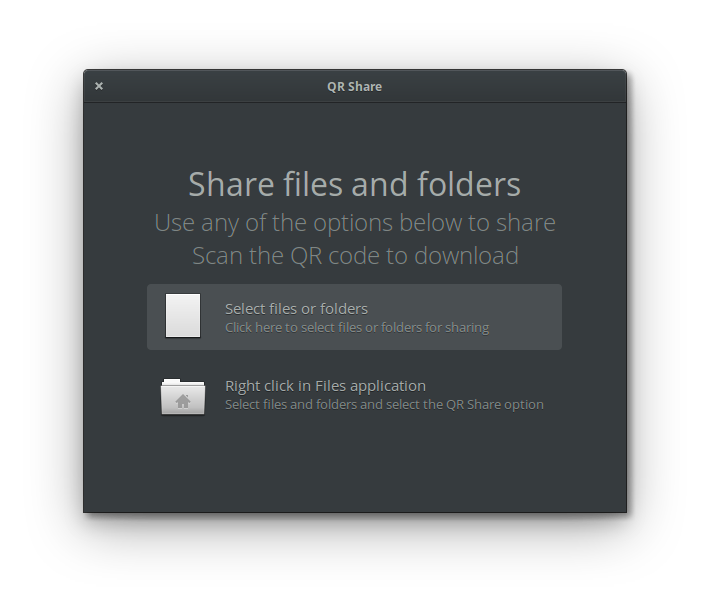
An elementary OS app for sharing files. QR Share allows you to easily share files by scanning a QR code.
 |
 |
 |
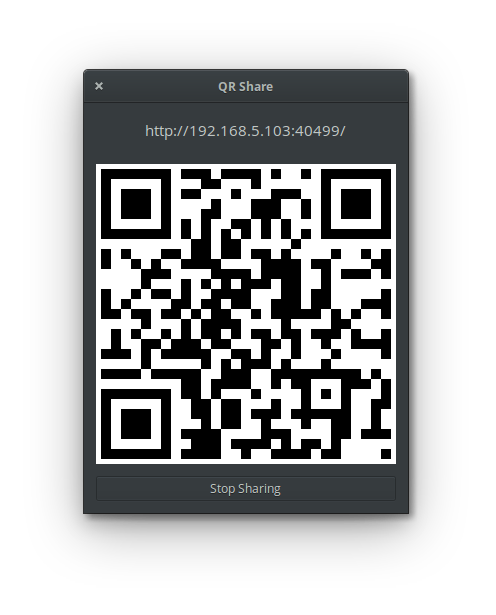
Select any files and folders to share from the Files app. Right click and select QR Share. A window will be displayed showing the QR code and the URL being shared.
To stop sharing click the "Stop Sharing" button.
The device running QR Share app and the device scanning the QR code must be on the same network. For example, I have QR Share app running on my laptop and I use my smartphone to scan the QR code when both are on the same network.
You can download the latest release of the app from here
$ sudo apt install libgtk-3-dev meson golang-go gbAll commands below are executed in the same directory.
To build the project, check out from github and run gb build
$ git clone https://github.com/mubitosh/qrshare.git
$ cd qrshare
$ gb build -tags gtk_3_18 all
To run the app
$ bin/qrshare-gtk_3_18To install properly, we need to build a .deb package.
$ dpkg-buildpackageThe deb file should be available in the parent directory of the current directory. Below is an example of building the 0.7.0 release.
$ ls ..
com.github.mubitosh.qrshare_0.7.0_amd64.changes
com.github.mubitosh.qrshare_0.7.0_amd64.deb
com.github.mubitosh.qrshare_0.7.0.dsc
com.github.mubitosh.qrshare_0.7.0.tar.xz
qrshare
To install use the dpkg tool. The release number should vary depending upon the current release.
$ sudo dpkg -i ../com.github.mubitosh.qrshare_0.7.0_amd64.debTo unistall, just the below command. This one can be executed from anywhere.
$ sudo dpkg -r com.github.mubitosh.qrshareThis project uses gb for golang project management.
Go bindings for GTK3 gotk3 https://github.com/gotk3/gotk3
A barcode creation lib for golang https://github.com/boombuler/barcode
Golang (Go) bindings for GNU's gettext https://github.com/gosexy/gettext
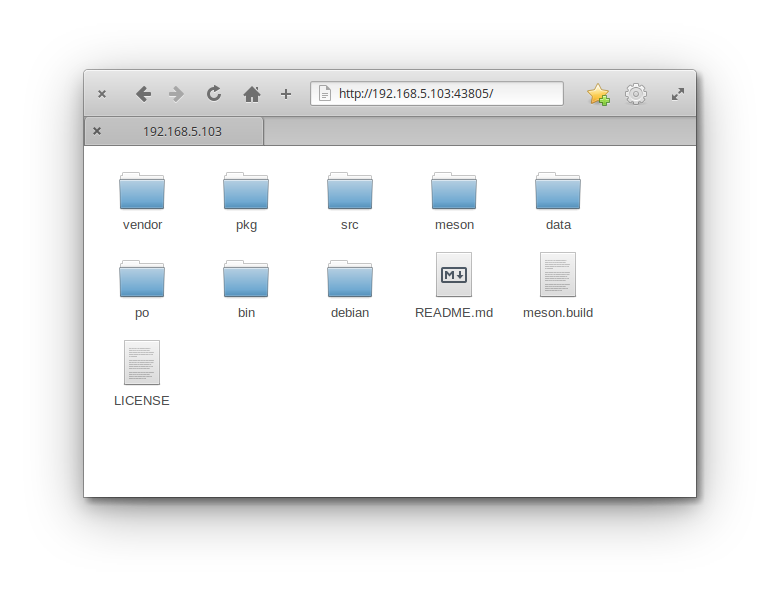
The components are a file server, a contractor file to have an option in the right click menu and a QR encoder. When the QR Share option is selected from the right click menu, the app starts a file server in the background. A link is generated in the form http://default-interface-ip-address:random-port-number/. The QR encoder simply encodes this link and window displays the generated QR code. This code can be scanned by any app which can recognise QR code. Afer clicking the link, the file can be downloaded. Sharing is stopped when the Stop Sharing button is clicked on the QR window.