dockerized-java-api is a lightweight RESTful API built with JAX-RS and fully containerized using Docker. Its goal is to provide a simple, runnable example of a Java API that you can build, run, and deploy inside a Docker container with minimal setup.
The project includes:
🧩 A Java REST API implemented with JAX-RS (Java API for RESTful Web Services)
🐳 A Dockerfile and docker-compose.yml for easy containerization and local development
🚀 Scripts to spin up and run the API in Docker
📦 Postman examples to test endpoints
Whether you’re learning how to containerize Java applications or need a quick starter API to build on, this repo gives you a base you can extend and customize. It demonstrates how to go from code to a running Docker container, bridging Java development with modern deployment workflows.
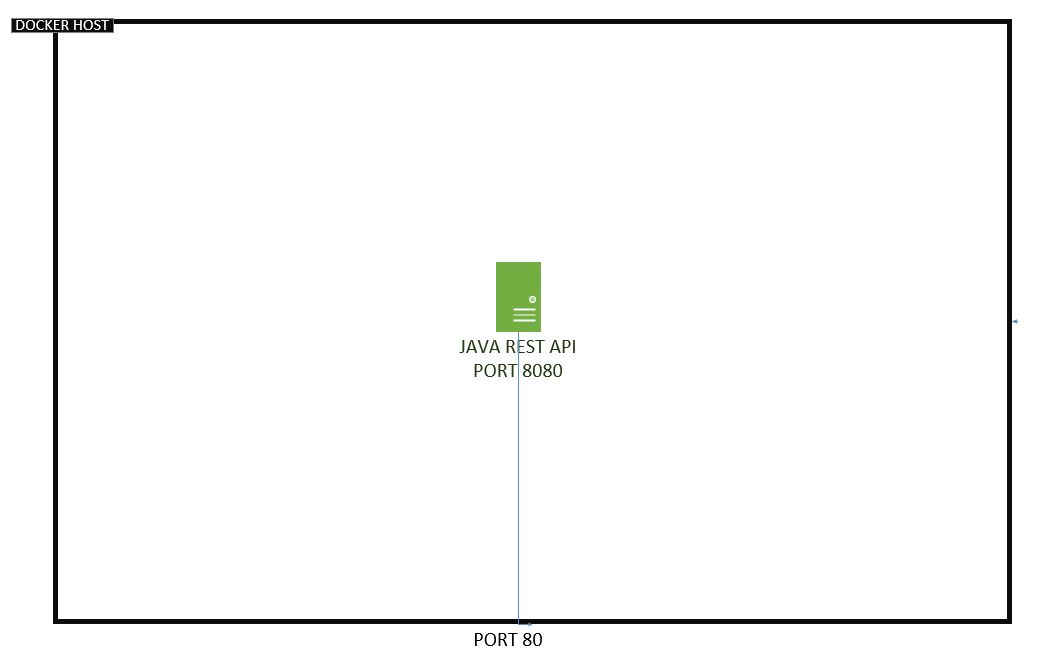
 You can run the dockerRun.sh in order to spin up a docker container.
curl -LOk https://github.com/mixaverros88/java-api/raw/master/target/demorest.war
Spin up the container.
docker run -it -p 80:8080 -v /$(pwd):/usr/local/tomcat/webapps mixaverross88/java-restfull-api:1.1
Or run the compose file.
docker-compose up
Navigate to the following link.
[docker-machine ip]:80/demorest/
https://hub.docker.com/r/mixaverross88/java-restfull-api
| Operation | URI | Method | Success/Failure | Status Code |
|---|---|---|---|---|
| Get Message | messages/{messageId} | Get | Success | 200 |
| Not found | 404 | |||
| Failure | 500 | |||
| Delete Message | messages/{messageId} | Delete | Success | 200 or 204 |
| Not found | 404 | |||
| Failure | 500 | |||
| Edit Message | messages/{messageId} | Put | Success | 201 |
| Wrong Format data | 400 or 415 | |||
| Not found | 404 | |||
| Failure | 500 | |||
| Create Message | messages | Post | Success | 201 |
| Wrong Format data | 400 or 415 | |||
| Not found | 404 | |||
| Failure | 500 |
Use the maven plug-in (tomcat7-maven-plugin) for tomcat server in order to automatically deploy this project in your local server. You can find this plug-in in pom.xml file in order to modify with yours configurations, also don't forget to add in settings.xml your credentials for tomcat server.
<servers>
    <server>
        <id>TomcatServer</id>
        <username>admin</username>
        <password>password</password>
    </server>
</servers>
You can run the below command in order to deploy the artifact in your local tomcat server
mvn clean tomcat7:deploy
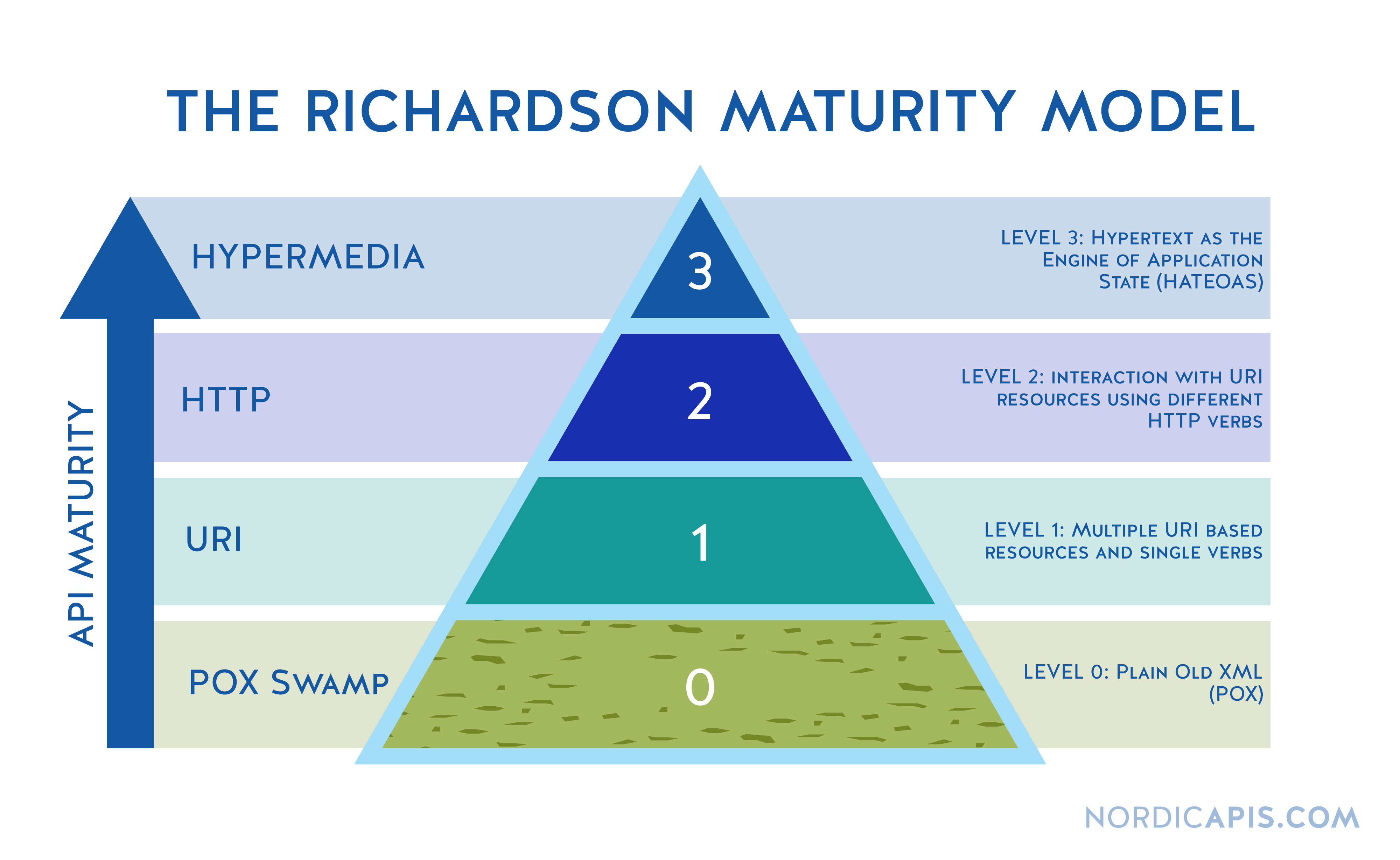
- Resource URI (Individual URIs for each resource)
- HTTP Methods (GET, POST, PUT, DELETE)
- HATEOAS (Responses have links that the clients can use)
 You can find in postman folder a json to run tests via newman.
You are able to use Jenkinsfile in order to create pipe line for jenkins.