VSSocialButton - button with left icon image and centered label.


To run the example project, clone the repo, and run pod install from the Example directory first.
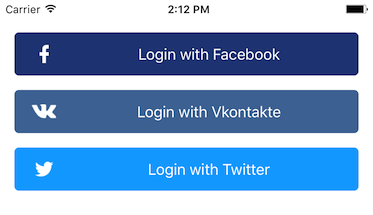
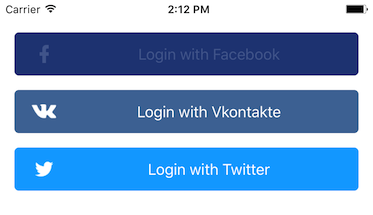
Easily create social buttons in storyboards or with code. Included inspectables:
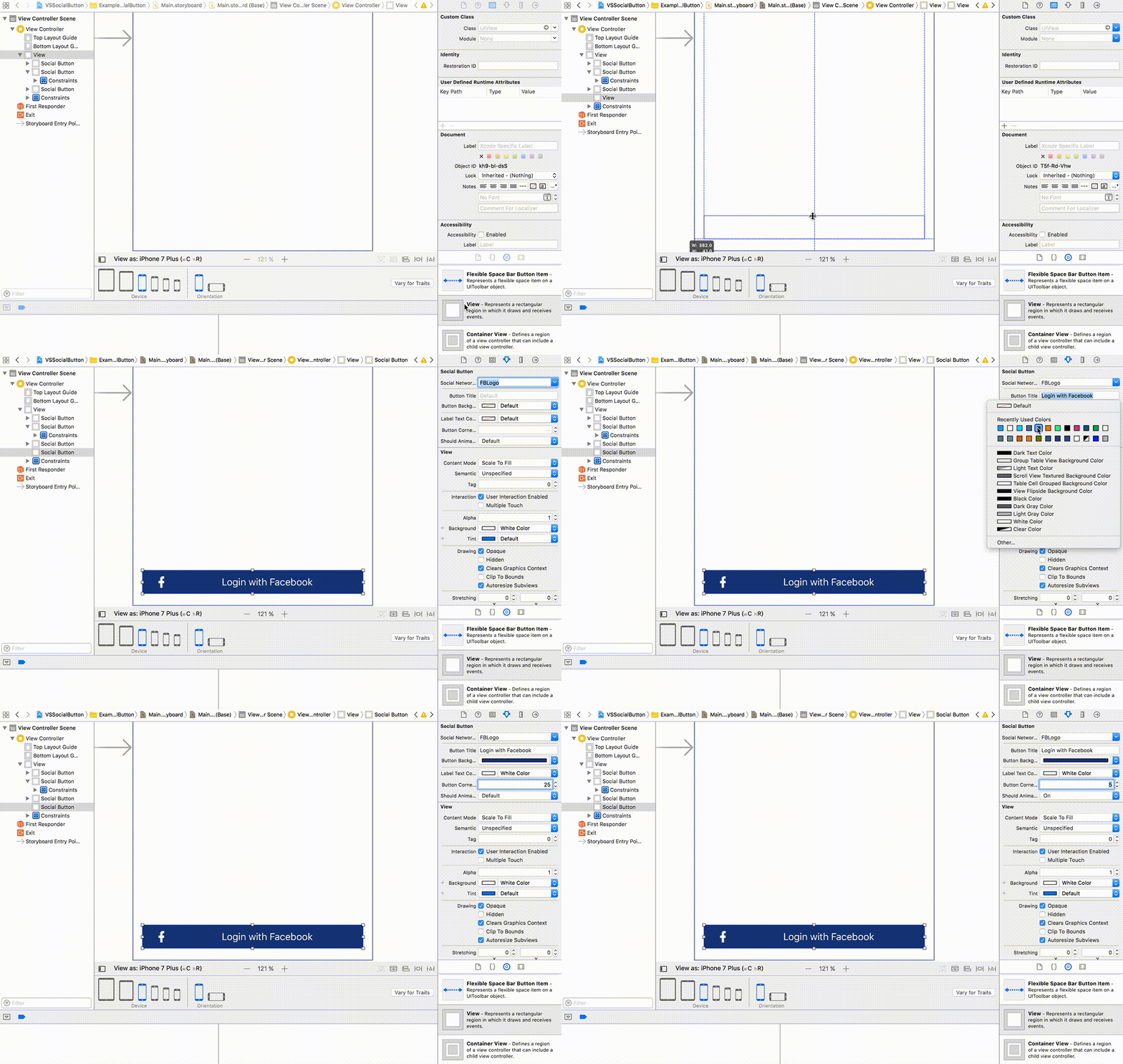
- Network image - set social network image (Facebook, Twitter etc.);
- Button title - set button title;
- Button background color - set button background color;
- Label text color - set button label text color;
- Font size - set font size for button label;
- Font name - set font name for button label;
- Button corner radius - set button corner radius;
- Should animate social network image on press - animate network image alpha on button press;
- Should animate "slide" on press - animate "slide" on button press, please see example:

- iOS 8.0 and up
VSSocialButton is available through CocoaPods. To install it, simply add the following line to your Podfile:
pod 'VSSocialButton'Just drag and drop VSSocialButton.swift and VSSocialButton.xib into your project and you are in.
- Vladyslav Semenchenko
Feel free to contact me via email
or via Twitter:
- @V_Semenchenko
VSSocialButton is available under the MIT license. See the LICENSE file for more info.