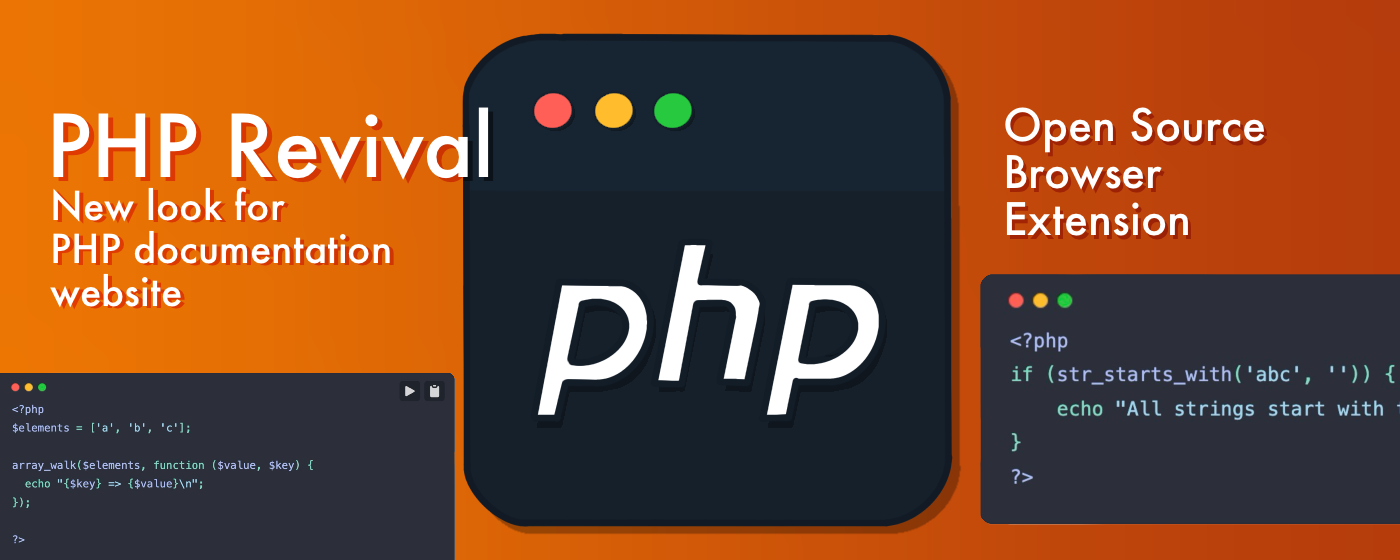
This is a landing page for the PHP Revival browser extension.
All the available NPM command you can find in package.json file.
npm inpm run devNavigate to http://localhost:3000 to see your documentation.
Note
If you use 🐳 Docker instead of 🦦 Podman, just replace podman-compose with docker compose, and podman with docker in code examples below.
To build an image, navigate to the root of the project and run this command:
podman-compose buildRun this command to install npm packages and generate a node_modules directory on your local machine:
podman-compose run --rm app npm iTo run a container, navigate to the root of the project and run this command:
podman-compose up -dYou can visit http://localhost:3000 to see your documentation.
podman-compose exec app shYou'll be able to run NPM commands inside of the container.
To stop and remove the container, run this command:
podman-compose down