

- Easy to use
- Sleek animations
- Customizeable
- Written in the latest Swift
- iOS 10.0+
-
Install CocoaPods
-
Add this repo to your
Podfiletarget 'Example' do # IMPORTANT: Make sure use_frameworks! is included at the top of the file use_frameworks! pod 'LPThumbnailView' end
-
Run
pod install -
Open up the
.xcworkspacethat CocoaPods created -
Done!
To use with Carthage
-
Make sure Carthage is installed
brew install carthage -
Add this repo to your Cartfile
github "luispadron/LPThumbnailView" -
Drag the
LPThumbnailView.frameworkfromMyProjDir/Carthage/Builds/iOS/LPThumbnailViewinto theGeneral -> Embeded Binariessection of your Xcode project.
- Simply download the source files from here and drag them into your project.
// Pick your animation style
thumbnailView.animationStyle = .enterFromRight
// Simply add an image to the thumbnail view, animation is handled for you!
thumbnailView.addImage(image)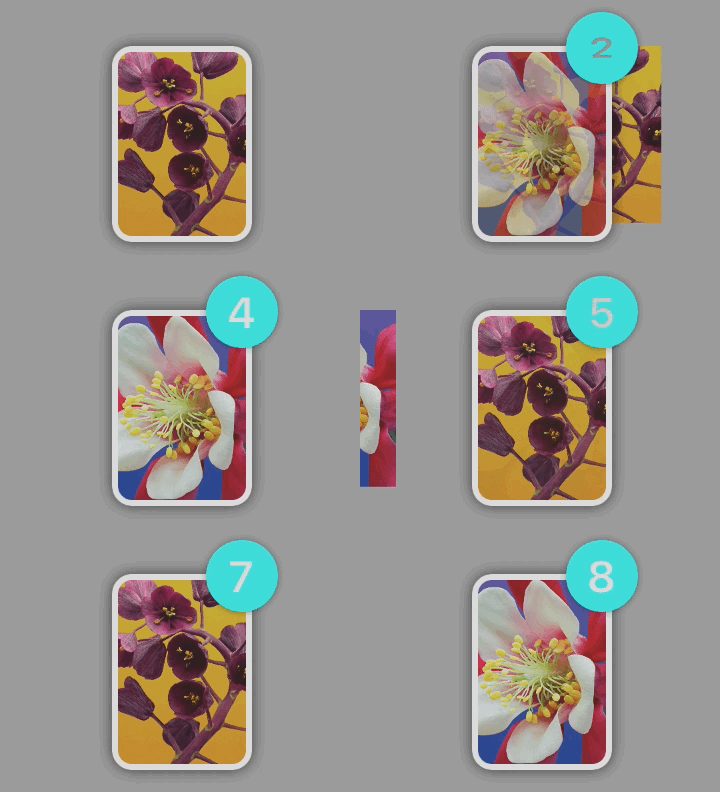
// Create/use an existing image view you would like to be animated to the position of the thumbnail.
let imgView = UIImageView(image: someImage)
// Animation from imgView to thumbnail is handled for you!
// imgView will animate to the correct frame and will be removed from the super view on completion of animation.
thumbnailView.addImageWithContext(imgView)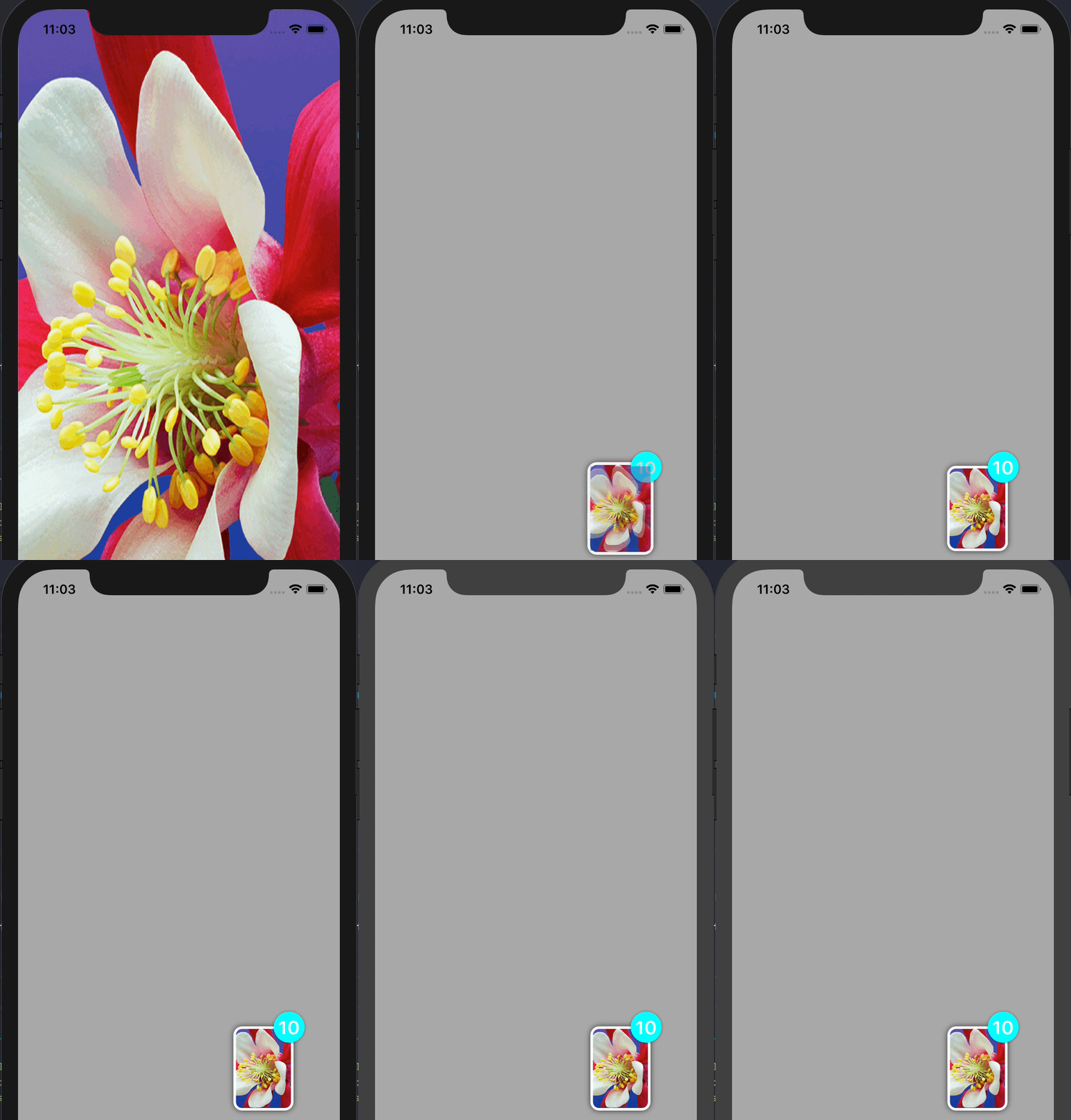
Please read the docs here for more information and before posting an issue.
Take a look at the example project here