Home
EasyFiji is a graphical user interface for fluorescence image display and processing in Fiji.
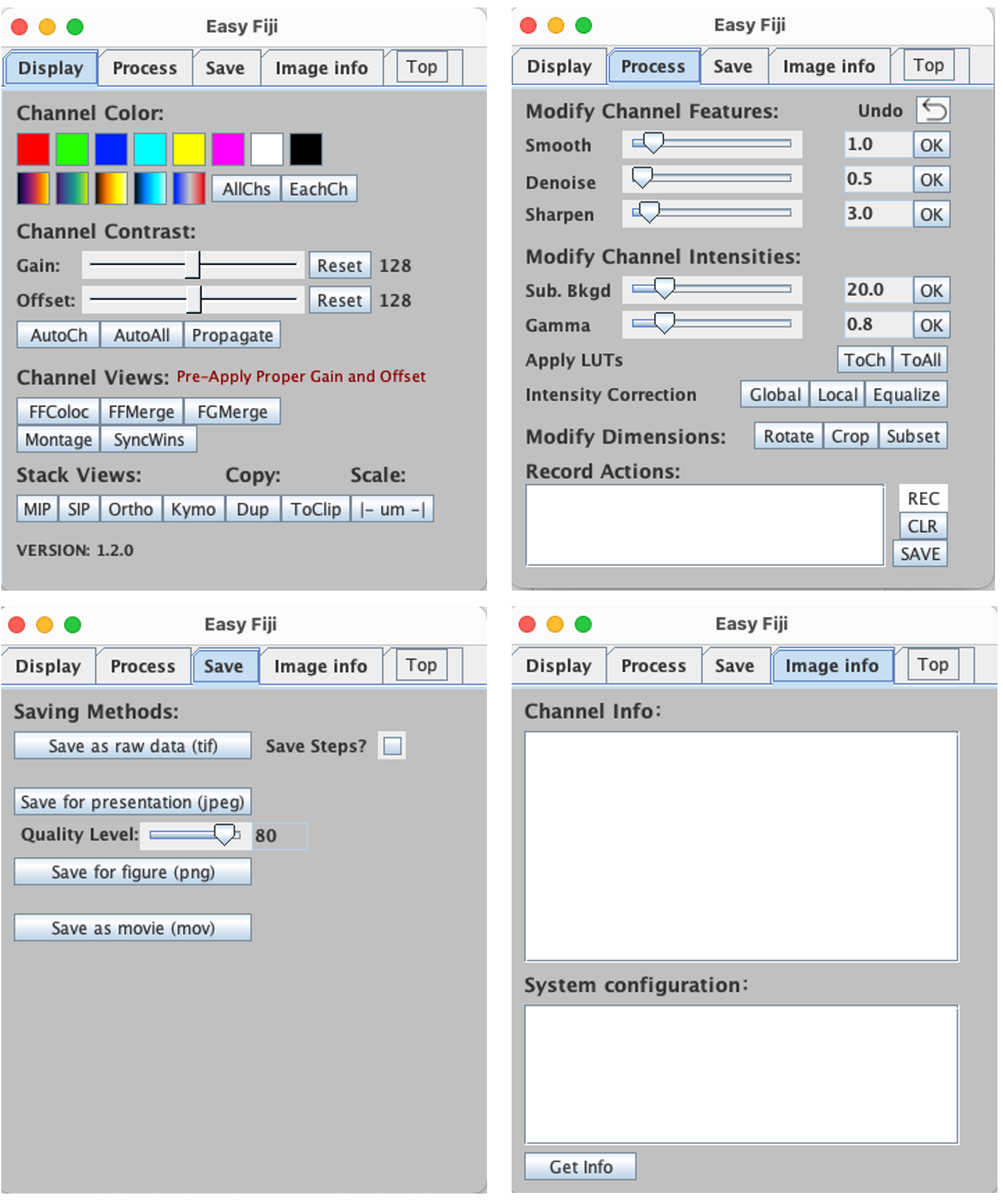
-
Download via Github:
- Click here to download ⬇️
- After downloading, copy the
.jarfile into your Fiji.app/plugins/ folder. - Restart Fiji.
-
Download via the ImageJ Update Site:
- Launch Fiji and navigate to Help > Update.. in the menu bar.
- In the updater window, click Manage Update sites and Search for "EasyFiji" and click "Apply and Close".
- Restart Fiji.
- Tutorial video
- Procotol paper.
EasyFiji is fully compatiable with native Fiji. EasyFiji is compatible with ImageJ but requires Bioformats and Kymograph builder plugins to be installed separately.
Example images used in the paper Source image repo:
- Fluorescence two-channel displays
- Fluorescence grayscale(DIC) display
- Fluorescence grayscale(EM) display
- Colocalization display
- Axial bleach correction
- Temporal bleach correction
- For 'how to' questions please post to our Image.sc thread.
- For issues or feature requests, please open an issue on GitHub repository.