Test Plan
1.Add Events
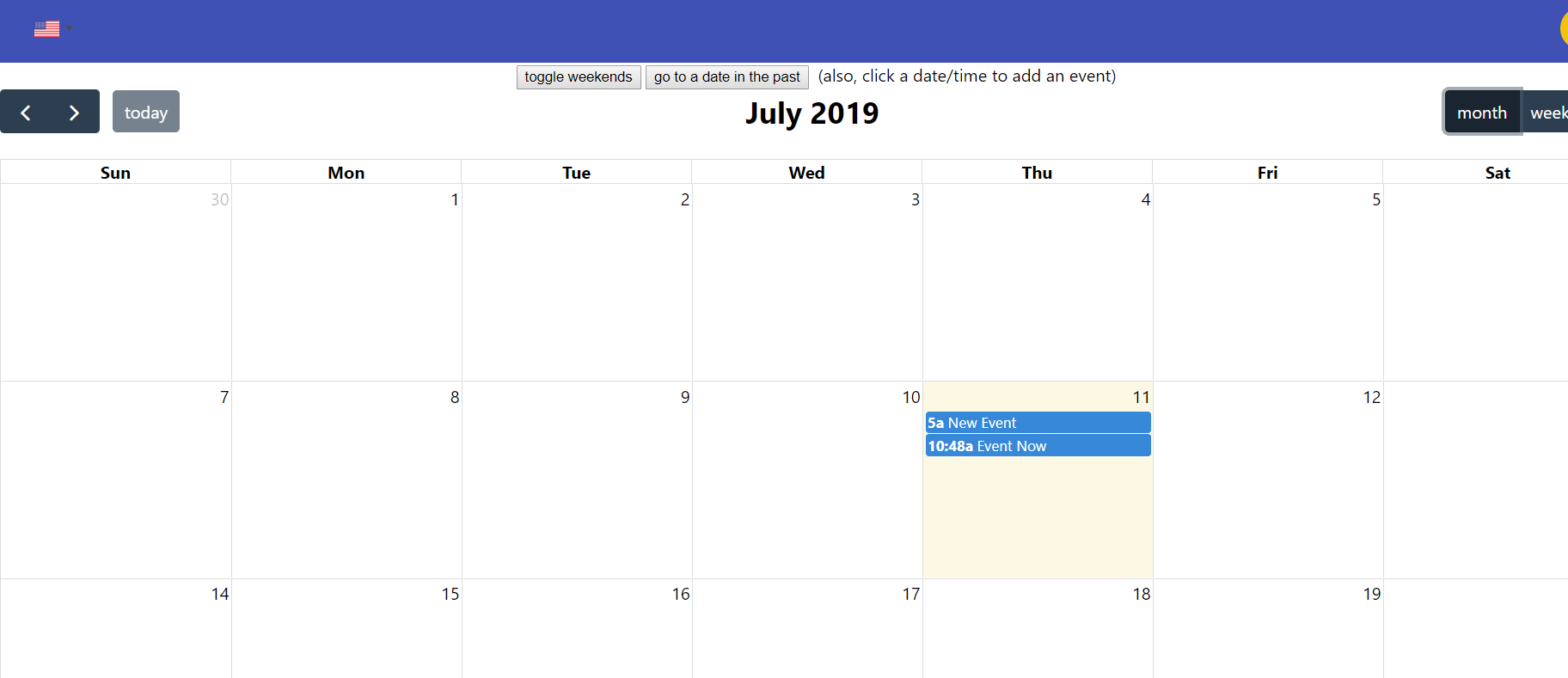
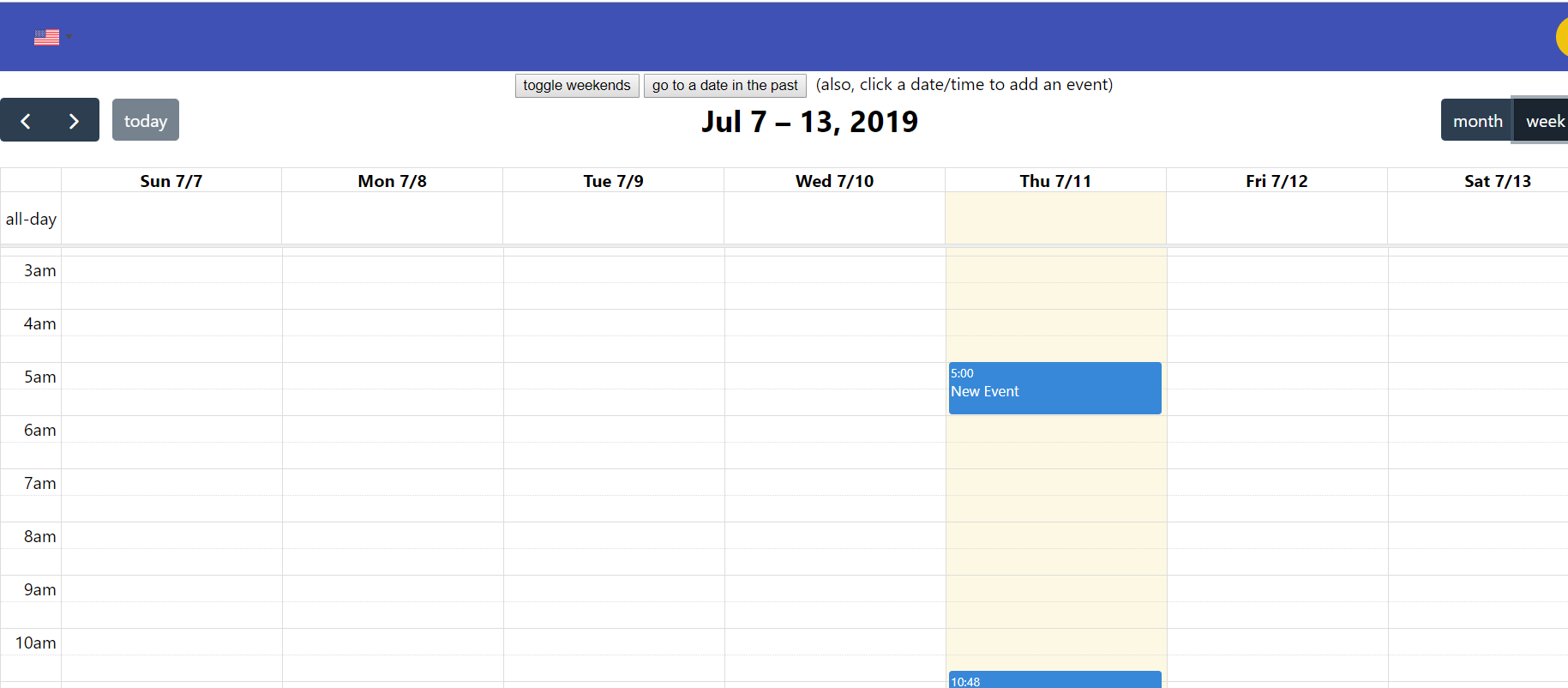
We can add events in the display of a month or a week or a day, respectively.
- Month
- Week
- Day
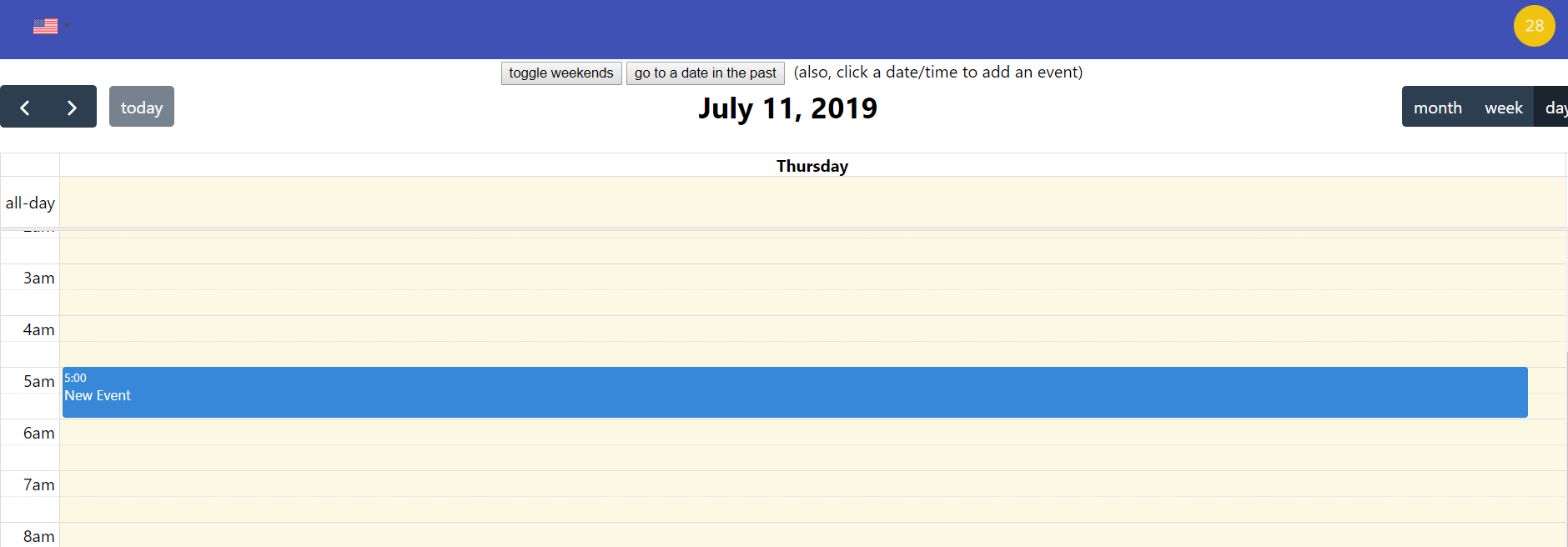
Test results: the test was successful and events added to the weekly calendar can also be displayed in the weekly and daily schedules
2. Create Activities
We can choose which activity we like to click to join, and we can view the number of members of the event

Test results: the test was successful and can be created by adding activity names, activity descriptions, activity tags, and activity pictures
3. Join Activities
You can join your interesting activities
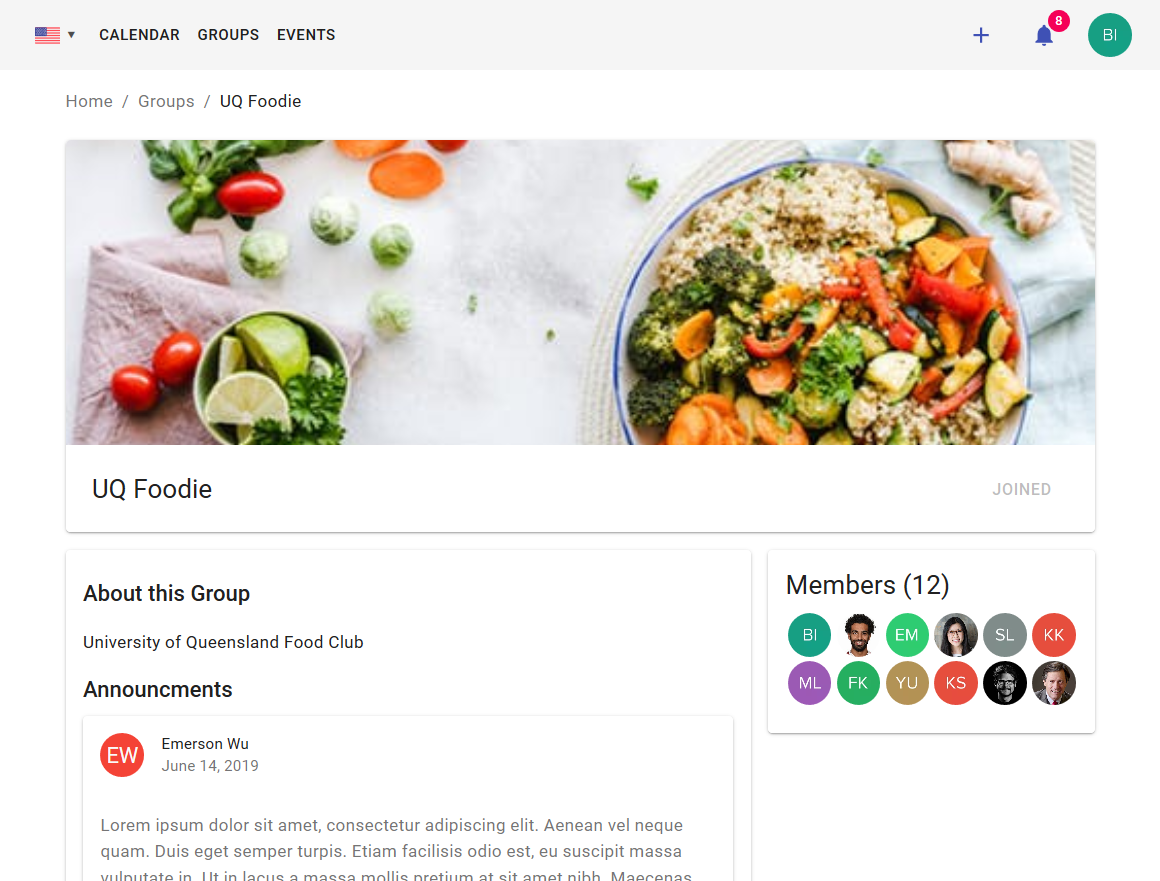
Test results : the test was successful and after joining the group, you can also view the members of the same group, and you can view the introduction of the group and the comments of others
4. Search Activities
You can search for keywords you need and match them to the activity you search for
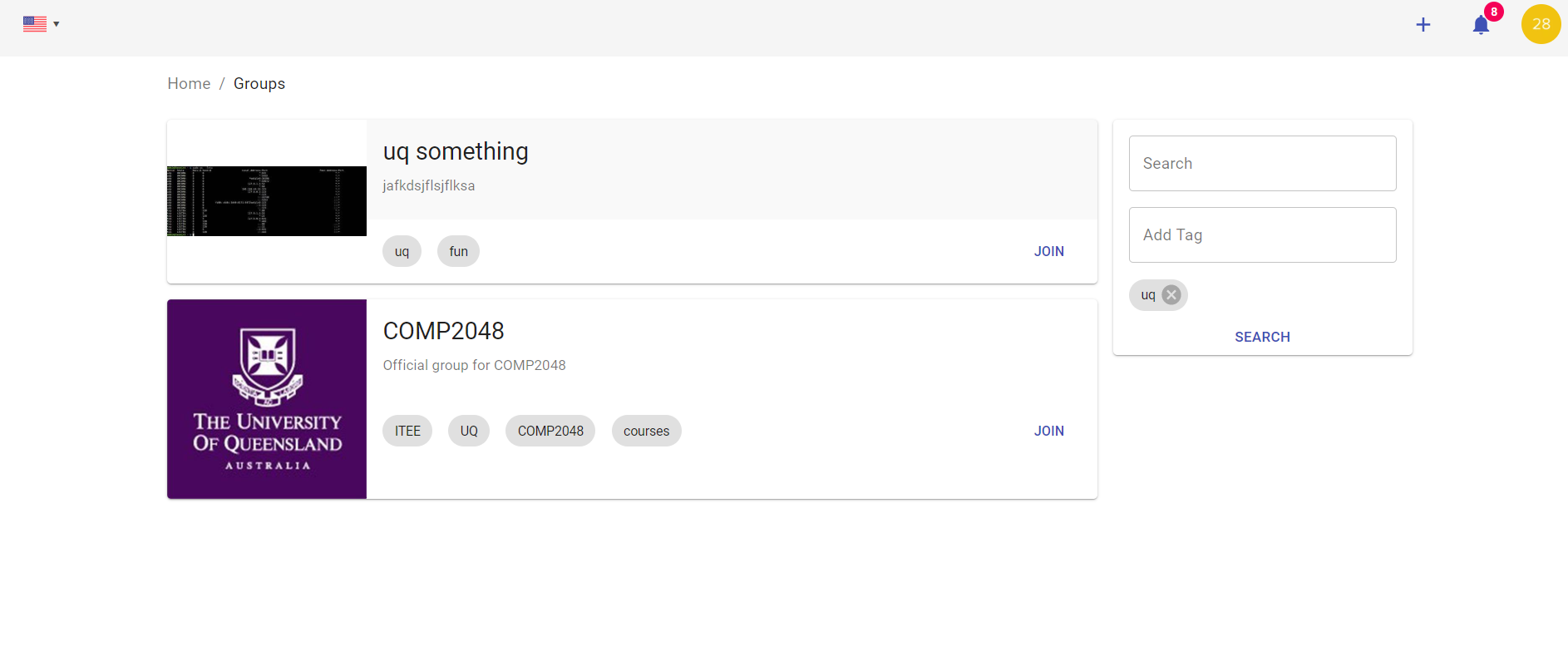
Test results: the test was successful and by keyword matching, you can search for activities that contain keywords
The API was tested using Swagger. Swagger allowed the team to create and validate API specification documents. Swagger provides an interactive web API explorer for reviewing the API specification and testing the API. backendjs.pdf